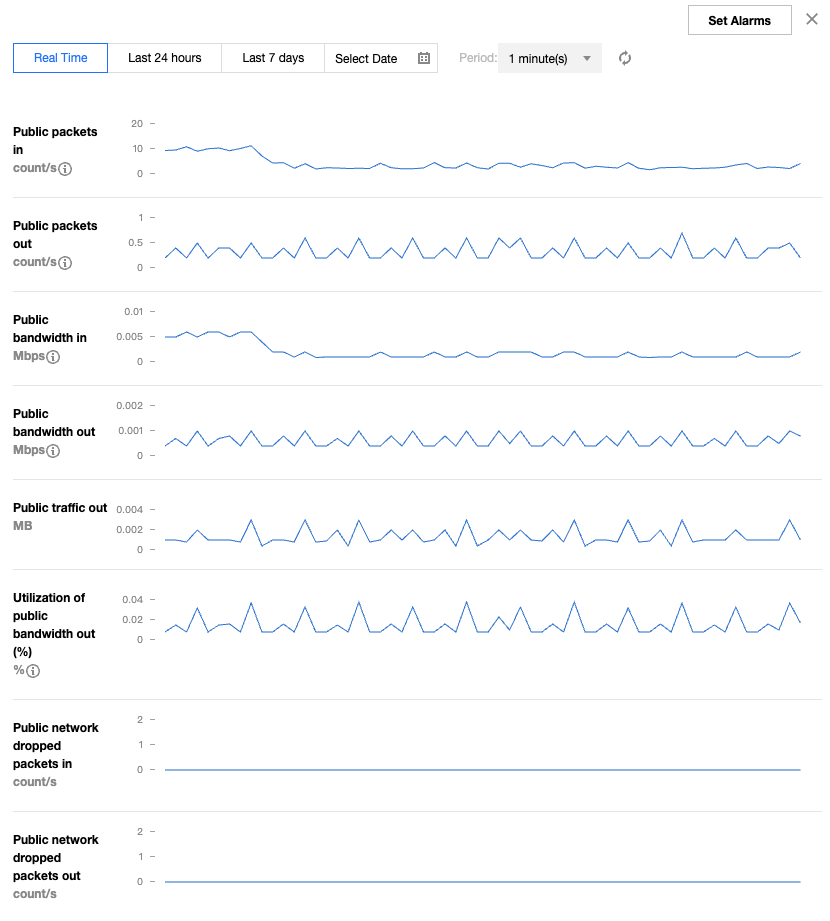
The monitoring feature for Elastic IP (EIP) can help you use the related monitoring metrics (such as the size of public network incoming packets) to monitor traffic fluctuations in real time, detect exceptions in the fluctuations promptly, adjust the peak bandwidth of EIPs, and avoid access delays caused by bandwidth throttling.