Changing a Public IP Address
ダウンロード
フォーカスモード
フォントサイズ
The IP addresses of common public IP addresses and monthly subscription EIPs can be changed. This document lists two methods for changing a public IP address.
Directly changing a public IP address: Suitable for scenarios where the CVM already has a common public IP address or you want to change the IP address of a monthly subscription EIP.
Changing a common public IP address to an EIP: Suitable for scenarios where users of the traditional account type need to change their public IP addresses.
Precautions
If you select Directly change the public IP address, you should note the following:
The number of changes under each account per day in a single region cannot exceed 3.
Only 1 change is allowed in the public IP address for each instance.
After the change, the original public IP address will be released.
If you select Changing a common public IP address to an EIP, you should note the following:
When an EIP is bound to a CVM instance, the current public IP address of the instance will be released.
The quota for EIPs under each account in a single region is 20.
To ensure efficient use of IP resources, IP resource fees will be charged by the hour for EIPs not bound to any instances.
Directions
Method 1: Directly Change the Public IP Address
1. Log in to the CVM console. The CVM already has a common public IP address.
2. On the instance management page, select the region of the CVM for which you want to convert the IP address. In the row of the corresponding CVM, click More > IP/ENI > Change Public IP, as shown in the figure below:

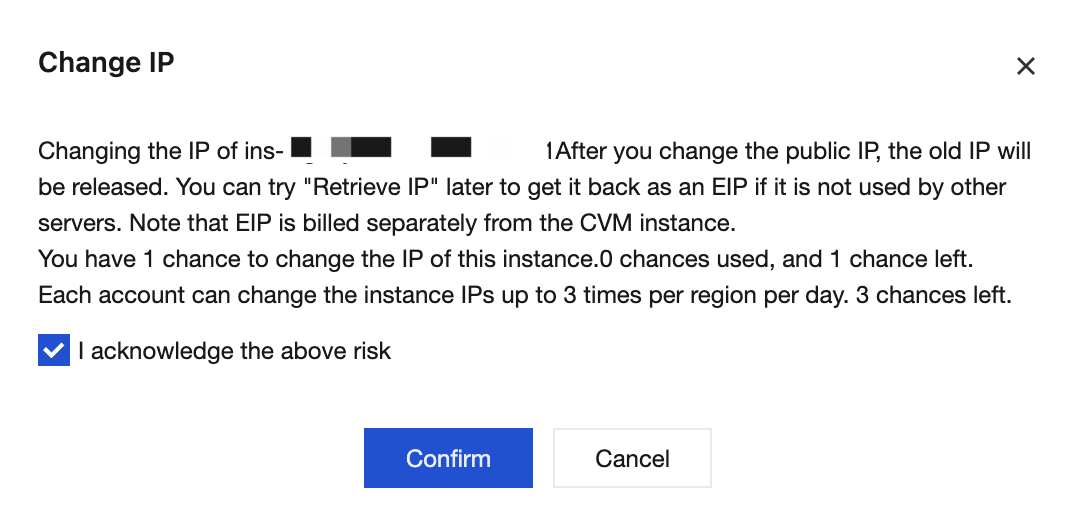
3. In the pop-up Change IP prompt box, confirm the impacts of the change, check I acknowledge the above risk, and click Confirm to complete the change.
After the change, this public IP address will be identified as an EIP:

Method Two: Changing a Common Public IP Address to an EIP
Note:
This method is only applicable to the traditional account type, and the CVM should have a common public IP address.
1. Log in to the CVM console, and you can see that the CVM already has a common public IP address.

2. In the EIP console, apply for an EIP.

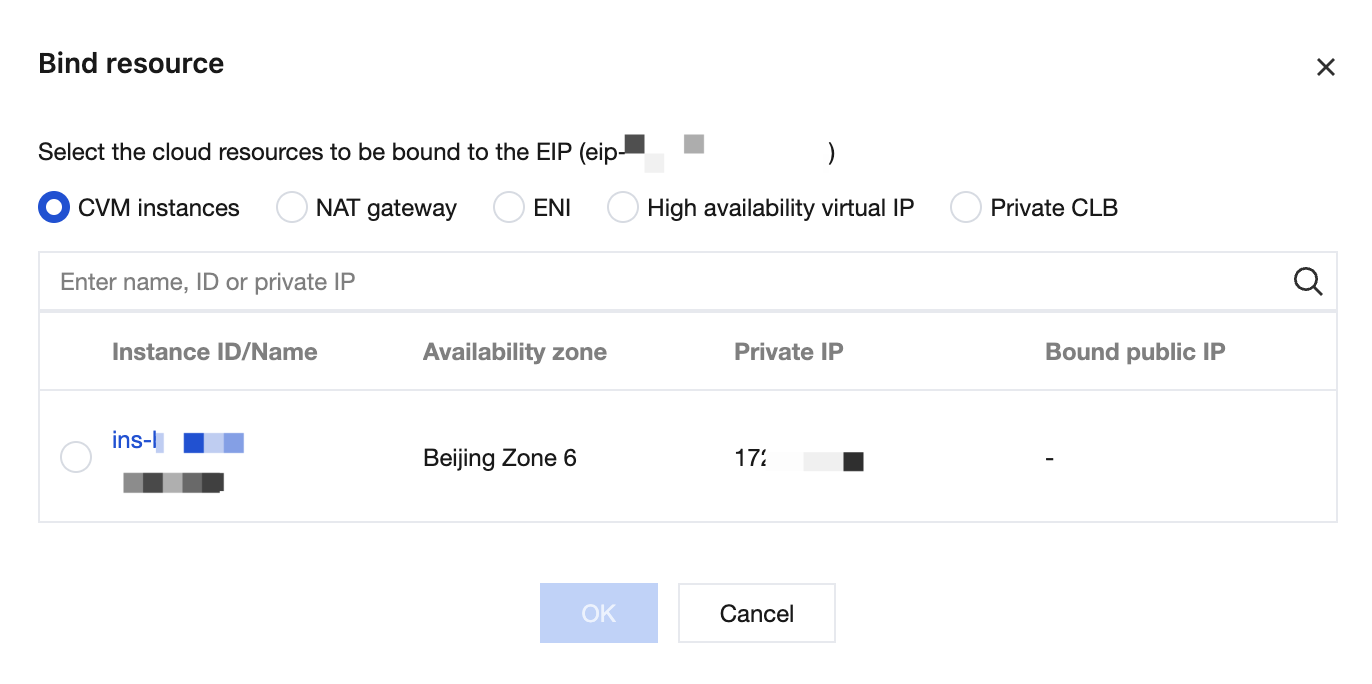
3. Click More > Bind to bind the EIP you applied for in step 2 to the CVM.
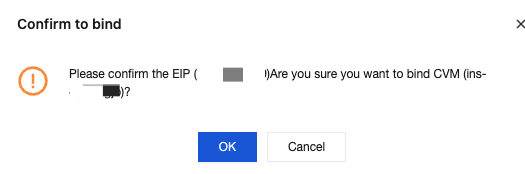
4. In the pop-up Confirm to bind prompt box, confirm the binding impacts: the original common public IP address on the CVM will be released and cannot be retrieved, and the public IP address on the CVM will be changed to an EIP.
The common public IP address on the CVM has been changed to an EIP:

フィードバック