This document describes how end users can log in to the Cloud Virtual Desktop (CVD) portal.
Operation Steps
Obtaining the Login Address of the CVD Portal
You can obtain the login address of the CVD portal through either of the following two methods.
Obtaining the Login Address from an Email
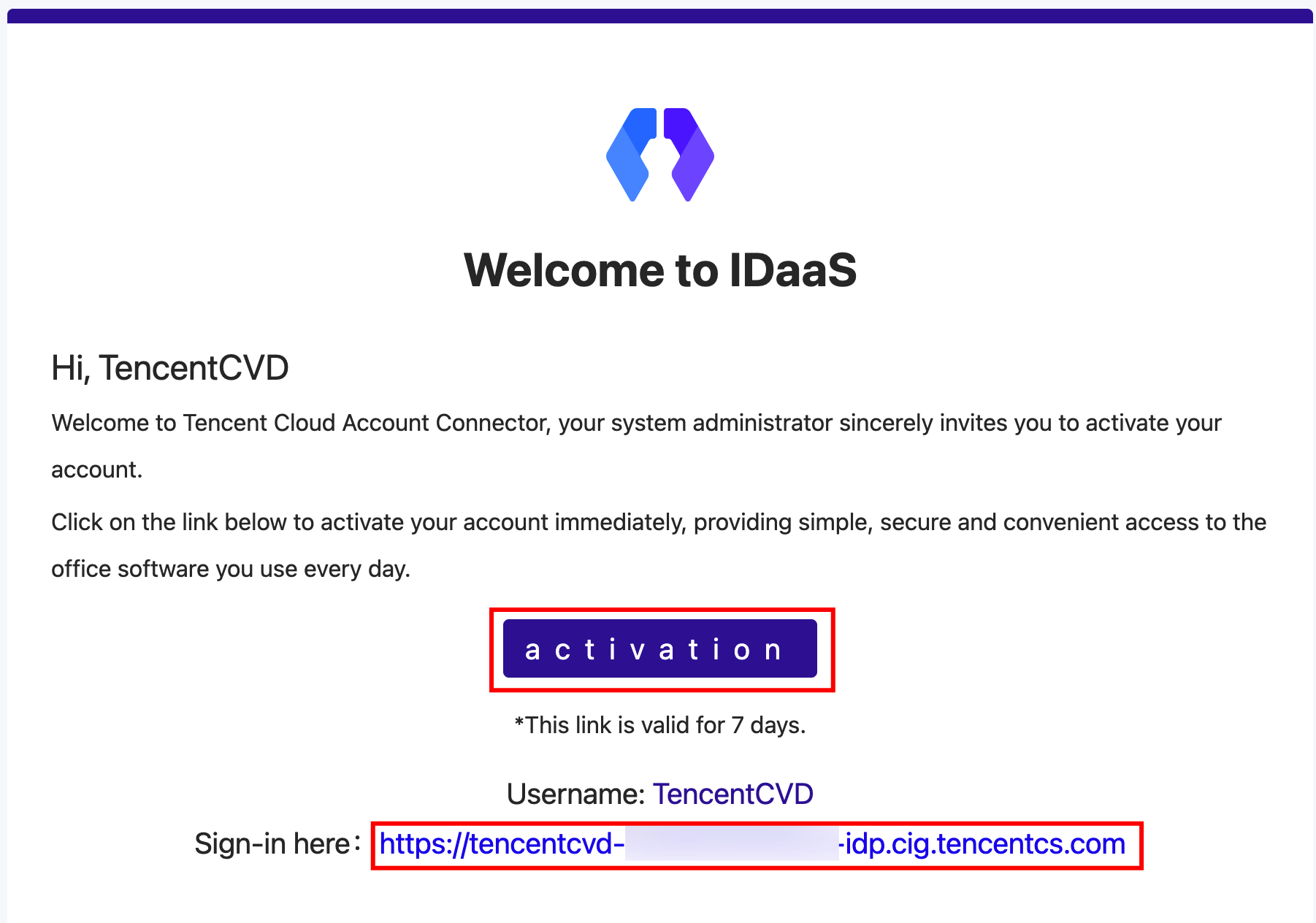
Check the activation email. The login address displayed in the email is the login address of the CVD portal.
Obtaining the Login Address in the Console
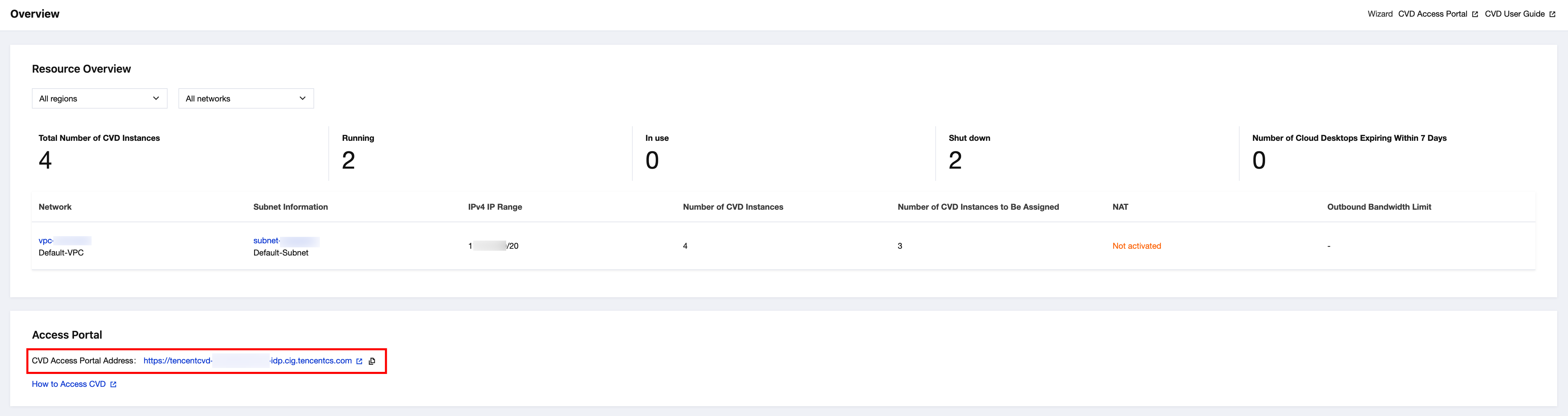
A CVD administrator can obtain the login address from the Access Portal section at the bottom of the Overview page in the CVD console. You can ask the administrator to share the CVD portal link with you.
Logging In to the CVD Portal
Open the CVD portal using the login address. Enter your CVD account and password to log in to the portal.
Note:
If no CVD resources are available in the portal after a successful login, it indicates that your administrator has not assigned a CVD instance to you. In this case, contact your administrator.