tencent cloud

Cloud Virtual Desktop

Release Notes
Product Introduction
Overview
Strengths
Scenarios
Basic Concepts
Use Limits
Billing
Billing Overview
Purchase Method
Auto-Renewal
Overdue Payments
Refund
Getting Started
User Guide
Administrator
End Users
Use Cases
Replacing VNC and RDP for Remote Desktop Ops
How to Restrict CVD Access to Specific IP Addresses Only
API Reference
Introduction
FAQs
Administrators
End User Usage
Related Agreement
Service Level Agreement
Privacy Policy
Data Processing And Security Agreement
Contact Us

Activating a CVD Account

PDF
Focus Mode
Font Size
Last updated: 2026-01-16 10:49:15
This document describes how end users can activate their Cloud Virtual Desktop (CVD) accounts.

Operation Steps

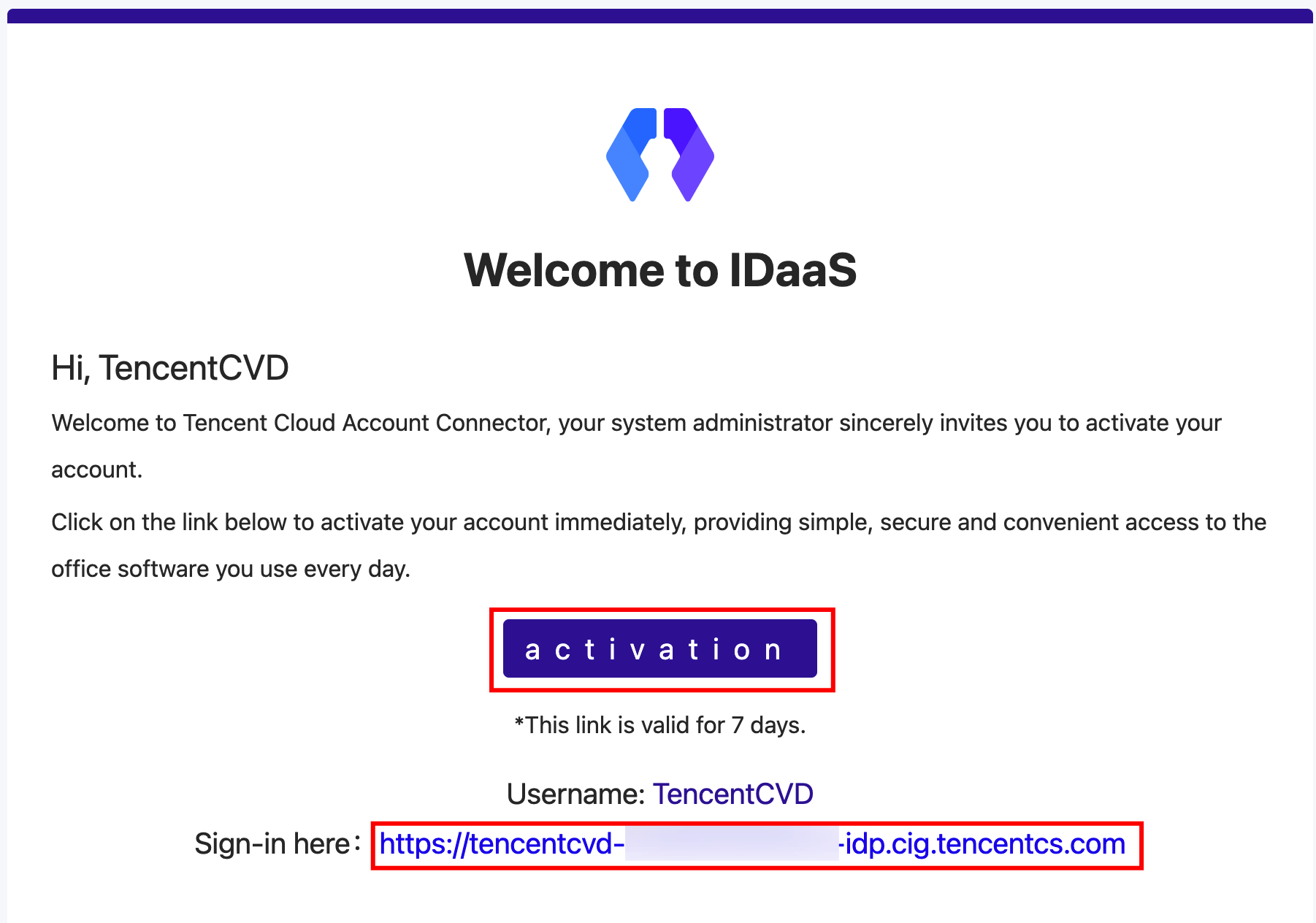
1. After a CVD administrator adds you as a CVD user, you will receive an activation email.

2. Click activation in the email. You will be redirected to the activation page, where you need to set your CVD password and security questions.
Note:
To ensure the security of your CVD account, the password must meet the complexity rules. Otherwise, the setup will fail.
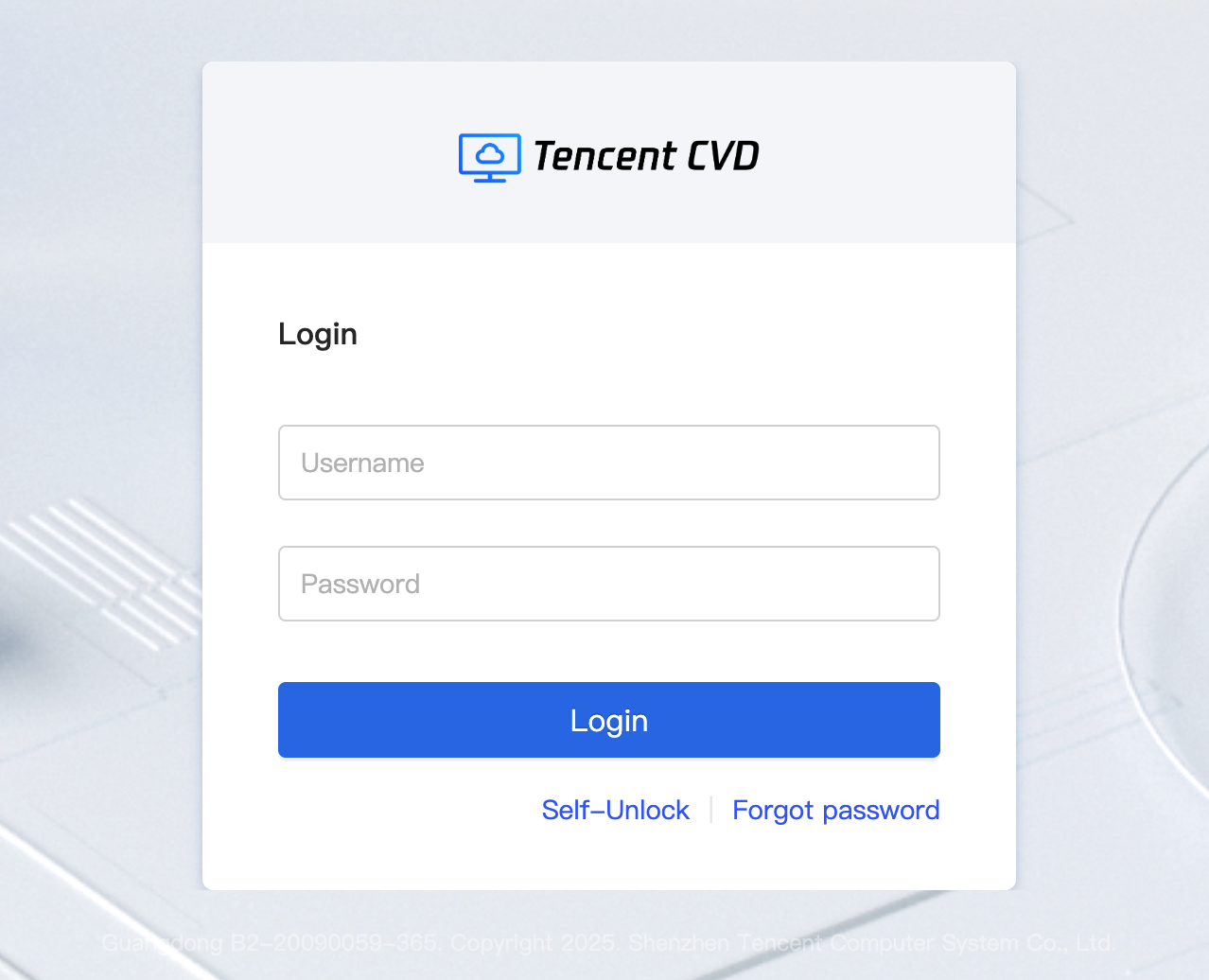
3. After the password is set, you will be redirected to the CVD login page. It is recommended to use a recent version of the Chrome browser for access.


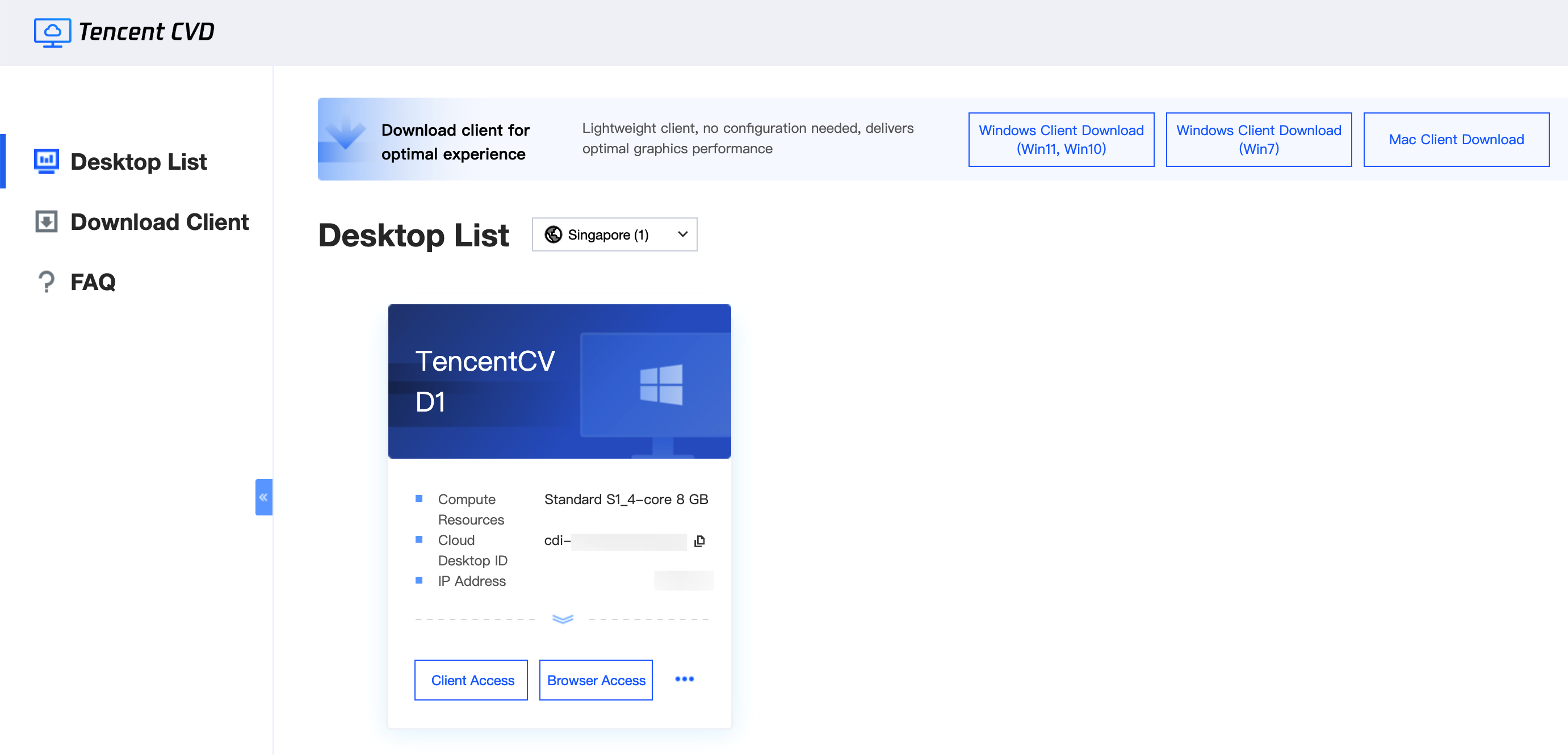
4. Enter your username and password to access CVD resources.


Help and Support

Was this page helpful?

Help us improve! Rate your documentation experience in 5 mins.

Feedback