Deleting Protections
Download
Focus Mode
Font Size
Note:
When you delete a protection, all protected resources associated with it are unbound at the same time, and the related resources no longer have DDoS advanced or ultimate protection capabilities. The L3/4 DDoS protection policies of the protection are also cleared and cannot be recovered. Proceed with caution.
Configuration Guide
1. Log in to the Anti-DDoS console, select Protections in the left sidebar, and go to the Protections page.
2. To select the protection to delete, you can use one of the following two methods:
Delete a single protection: In the Operation column of the row where the target protection is located, click Delete.

Batch delete: Select the checkboxes on the left of one or more protections, and click the Delete Protection button above the list.

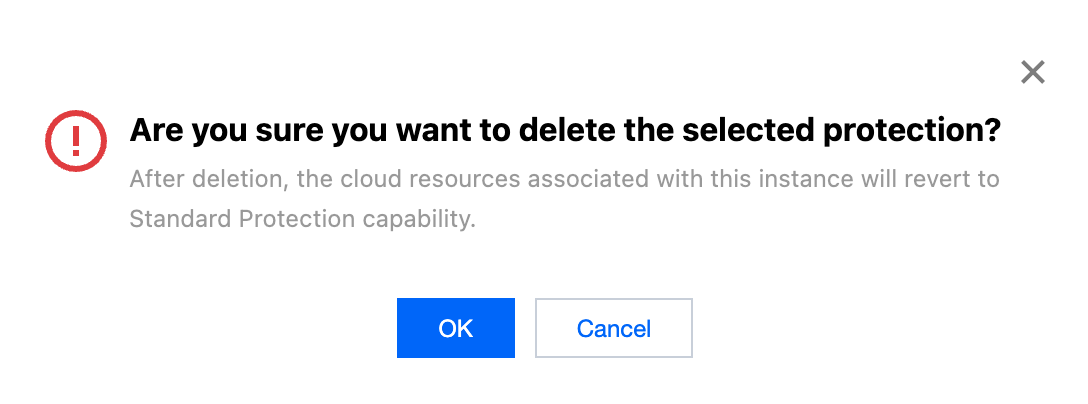
3. In the confirmation dialog box, click OK to complete the deletion.
Help and Support
Was this page helpful?
You can also Contact sales or Submit a Ticket for help.
Help us improve! Rate your documentation experience in 5 mins.
Feedback