This feature will already be discontinued. Users who purchase package can use the Billing Resources feature.
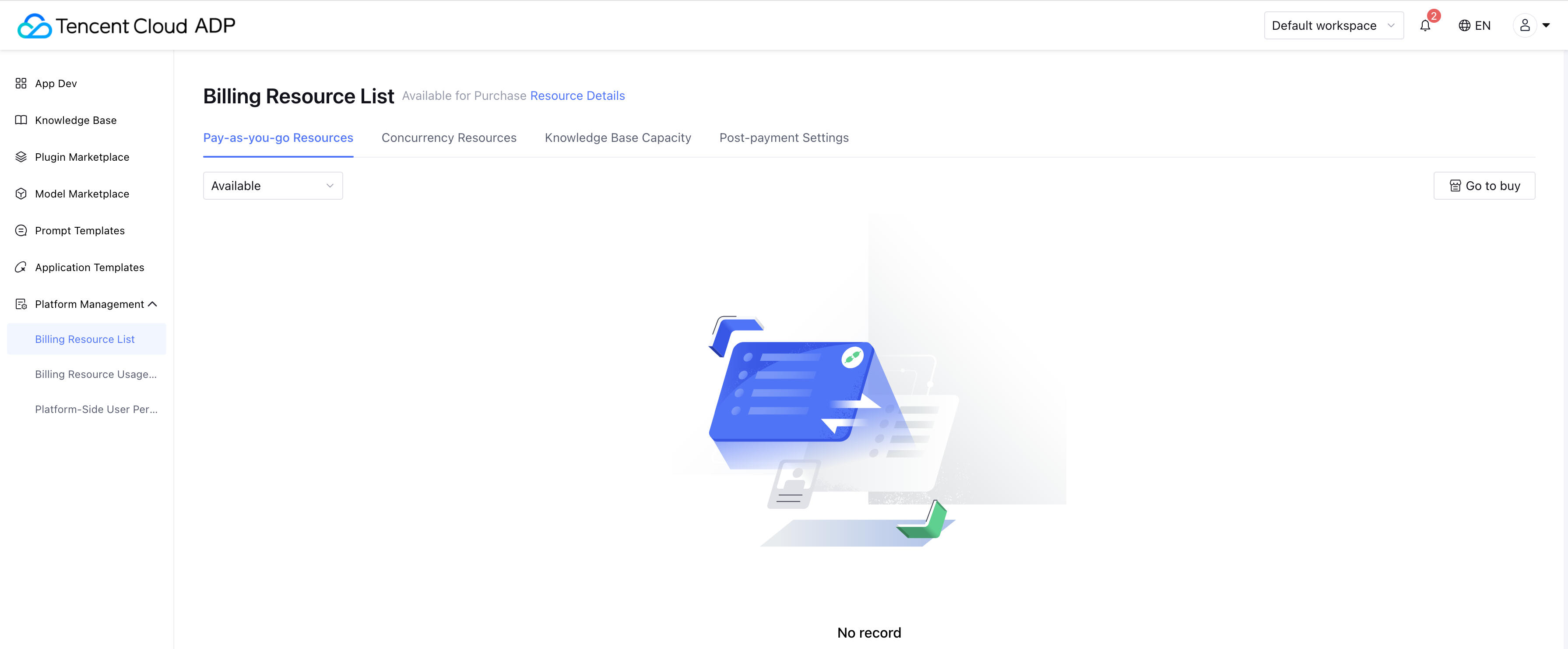
Billing resource list displays the trial resources and paid resources available under the current account, and supports viewing usage and expiration. Billing resource list includes Pay-As-You-Go Resources, Concurrency Resources, Knowledge Base Capacity, and Postpaid Settings.
Note:
Sub-accounts do not have permission to configure Postpaid Settings by default. The main account can enable the “Postpaid Settings” permission for sub-accounts in Platform-Side User Permissions.
Pay-As-You-Go Resources / Concurrency Resources / Knowledge Base Capacity
1. Display resources in “Available” status by default.
Source: Distinguishes between free trial and purchased resources. Accounts receive free trial resources upon initial registration.
Used: Displays usage based on consumption data.
Expiration time: Indicates the validity period of the resource.
2. Resource types.
Pay-As-You-Go Resources: Includes model token packages and search service packages. These are usage-based packages that can be used within the validity period and expire once the period ends.
Concurrency Resources: Includes dedicated concurrency quotas for generative models. These are prepaid yearly/monthly packages.
Knowledge Base Capacity: Refers to storage capacity for knowledge management. These are prepaid yearly/monthly packages.
Note:
Prepaid yearly/monthly resources can be renewed.
Once knowledge base capacity expires, the system will automatically isolate knowledge (documents/Q&A) that exceeds the available limit. Isolated knowledge must be manually restored after purchasing additional capacity. Renewal in advance is recommended.
3. Notification.
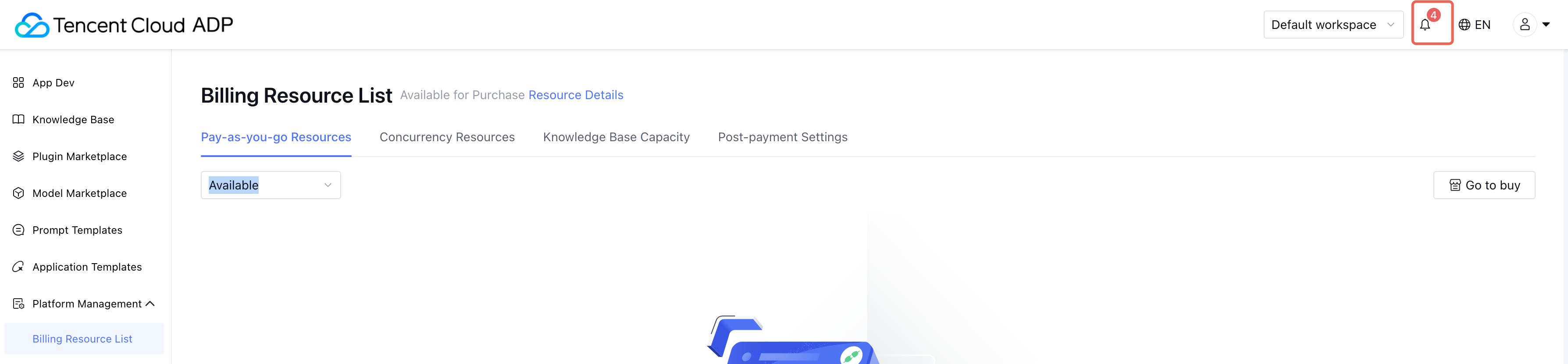
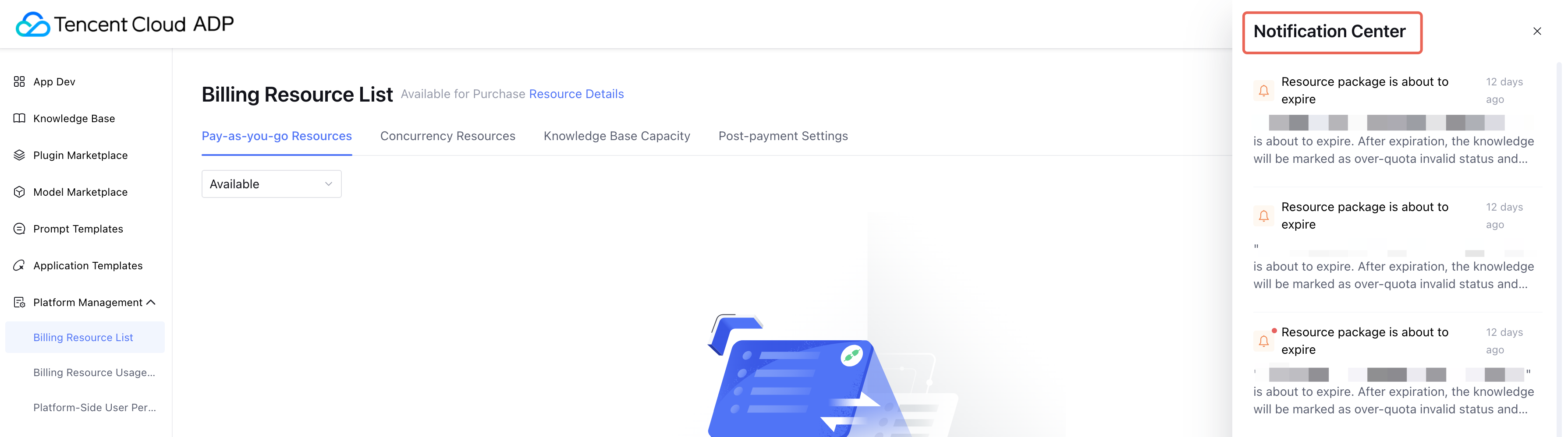
Product Management Console Notifications: Alerts are delivered via Notification Center and page banners.
Nearly Exhausted: Sent when resource usage exceeds 90%.
Exhausted: Sent when usage reaches 100%.
Expiring Soon: Sent 30 days, 7 days, and 1 day before expiration.
Expired: Sent when resources have expired.
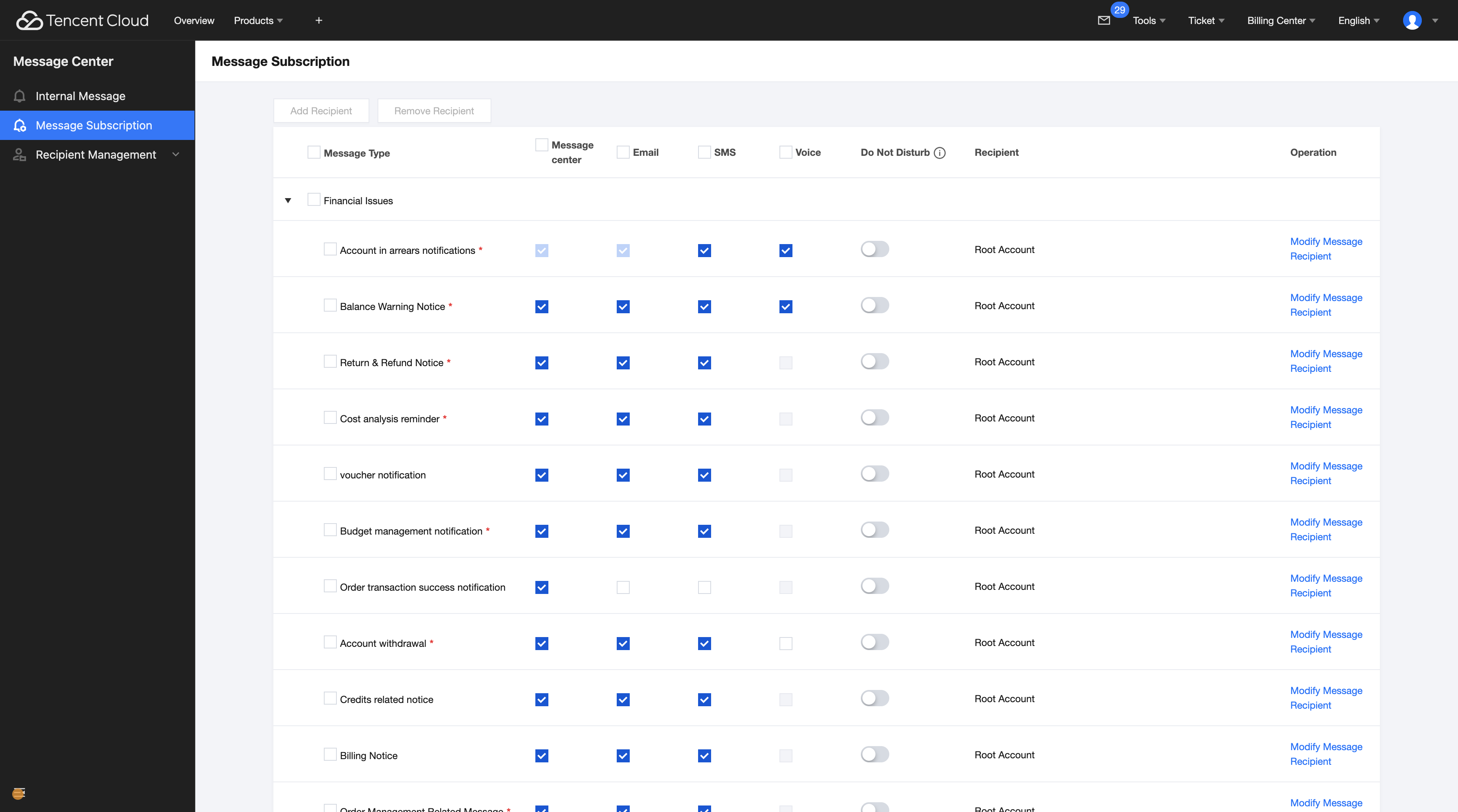
Tencent Cloud Subscription Notifications: Delivered through official Tencent Cloud channels such as in-site messages, SMS, and email.
Purchased resources are managed by Tencent Cloud Metering and Billing. When resources are exhausted or expired, you can configure notification channels in Tencent Cloud Console > Message Center under Billing Center, Tencent Billing, and Tencent Cloud Agent Development Platform.
Resource packages: Notifications are sent when remaining quota drops to 10%, 5%, and 1%, and 7/5/3/1 days before expiration.
Prepaid yearly/monthly resources: Notifications are sent 7/5/3/1 days before expiration.
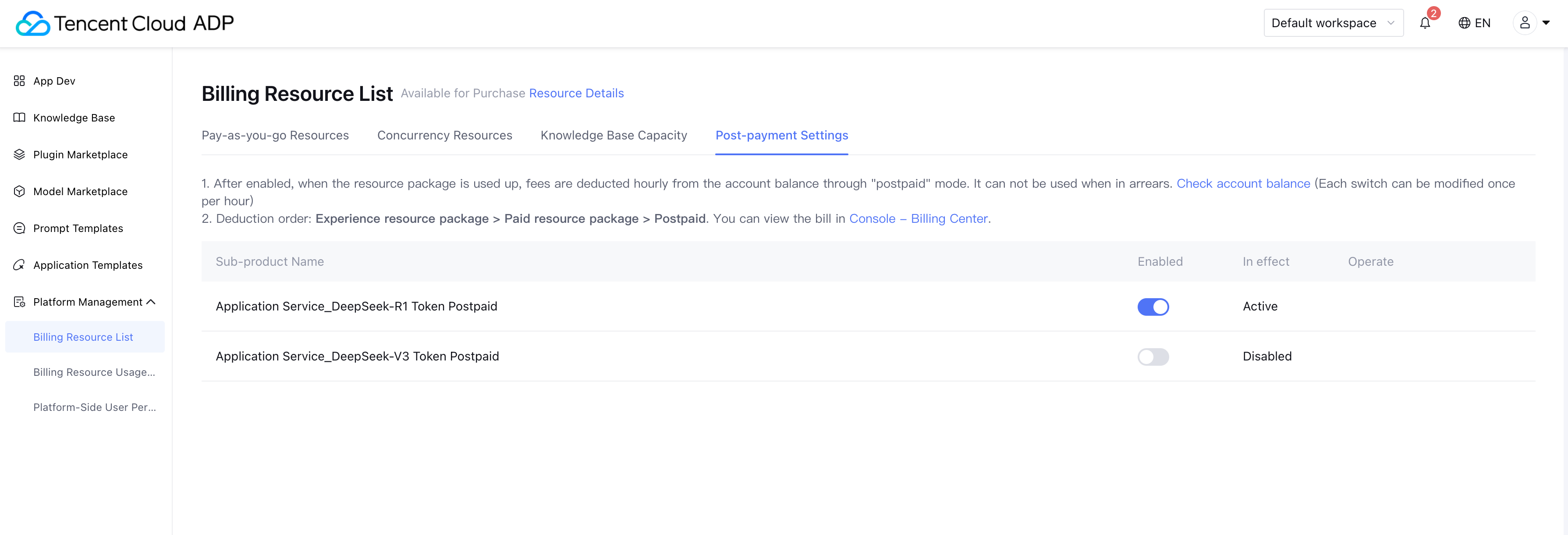
Postpaid Settings
Can only be enabled once per hour. To avoid disruption, do not enable/disable postpaid settings frequently.
Note:
If the account is overdue, services cannot be used. Please monitor account balance and purchase in time.