Call statistics provide the total number of resource consumption and call details, including usage statistics, concurrency statistics, and knowledge base capacity statistics.
Usage statistics
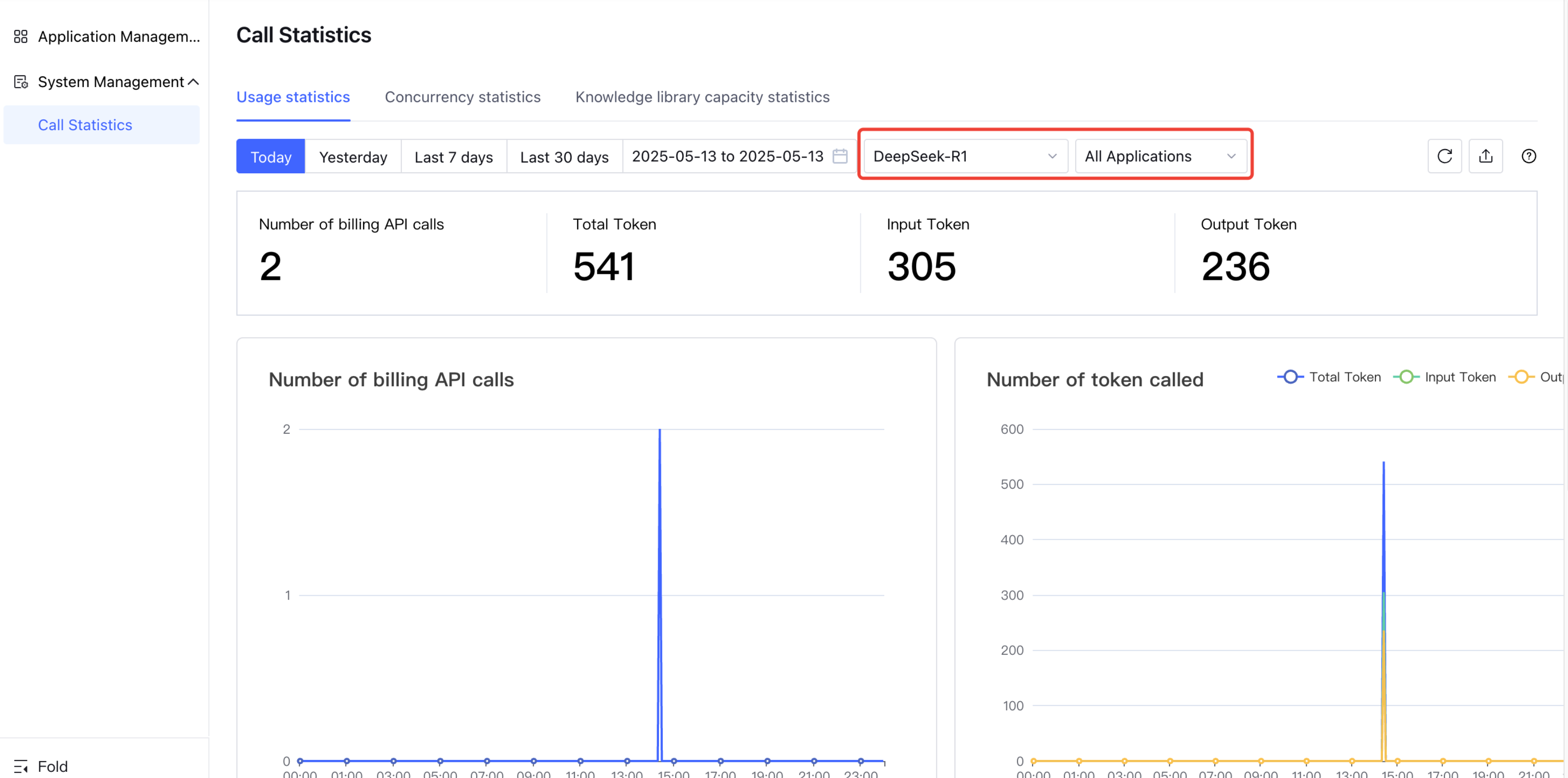
Usage statistics provide the model tokens consumption report and detail in the application service.
Statistical Report
Reports are case-sensitive for models/applications and can filter models and specific applications.
View API call count and token consumption under models/applications, with time-based support to export statistics detail.
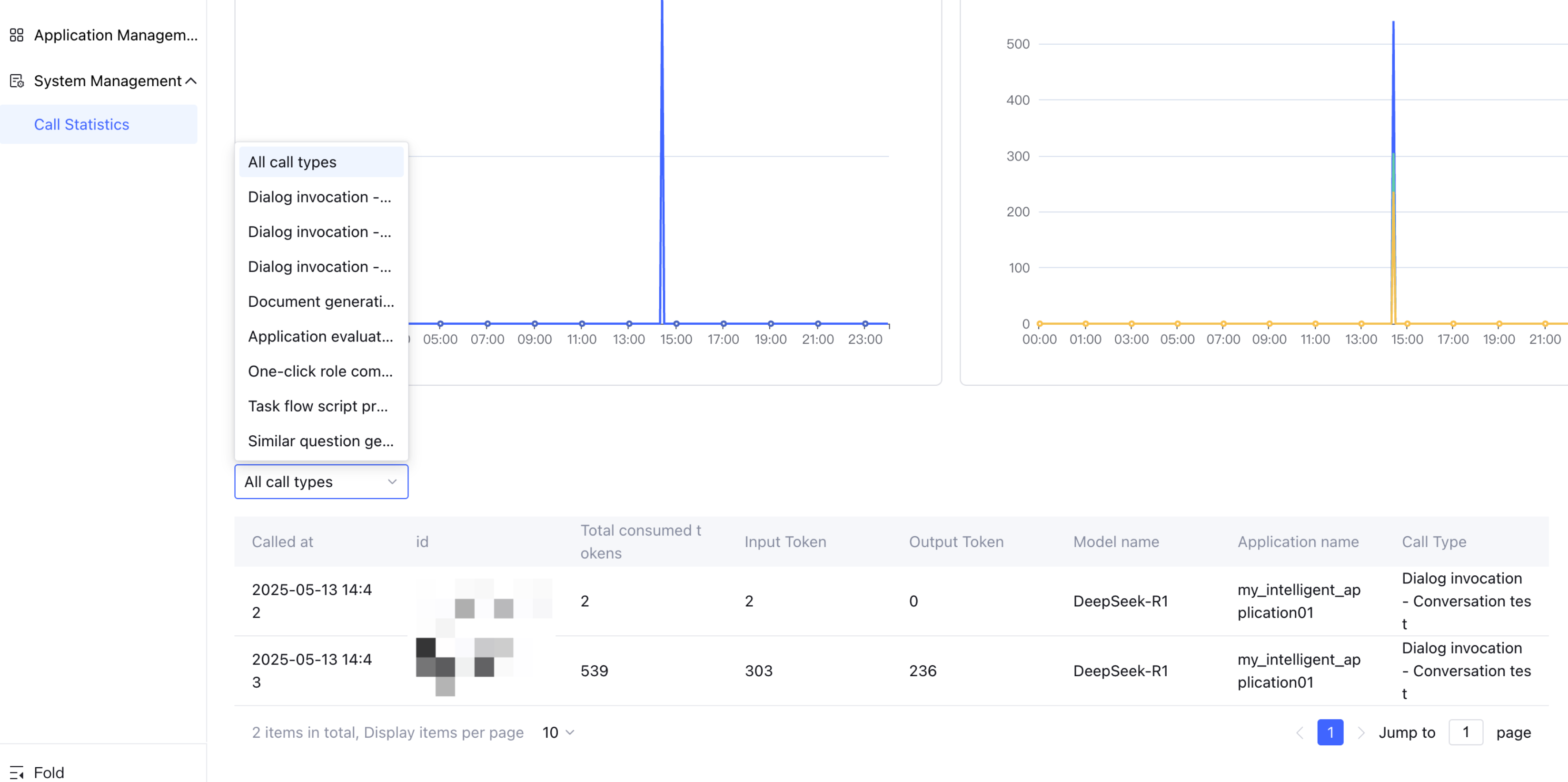
Single Call Detail
Support viewing consumption detail for each call based on invocation type.
Concurrency Statistics
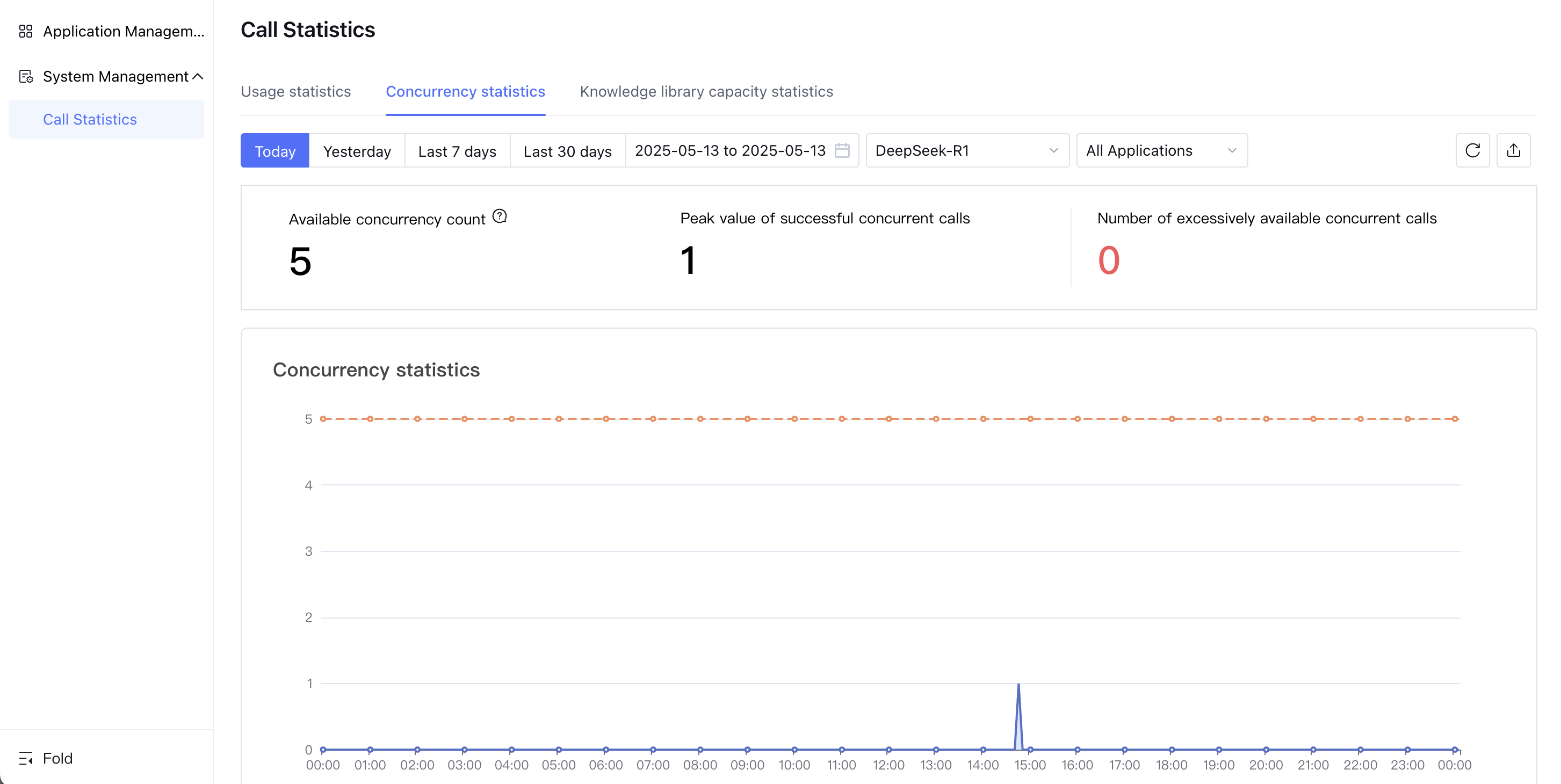
1. Support viewing the available concurrency of models, the peak concurrent number of successful calls, and the number of calls exceeding the available concurrency. The available concurrency is greater than or equal to the peak concurrency number of successful calls.
Available concurrency: maximum usable concurrency of the current model.
Peak concurrent number of successful calls: maximum number of concurrent requests for successful calls to the current model within the specified time range of the filter, maximum not exceeding the available concurrency.
Call count exceeding available concurrency: when calls exceed available concurrency, it will trigger queueing or failure case, and the call count exceeding available concurrency will be recorded.
2. Support viewing call details exceeding available concurrency, view the time and query of each call. Based on call details exceeding available concurrency, assess whether purchasing additional concurrency is needed.
Knowledge Library Capacity Statistics
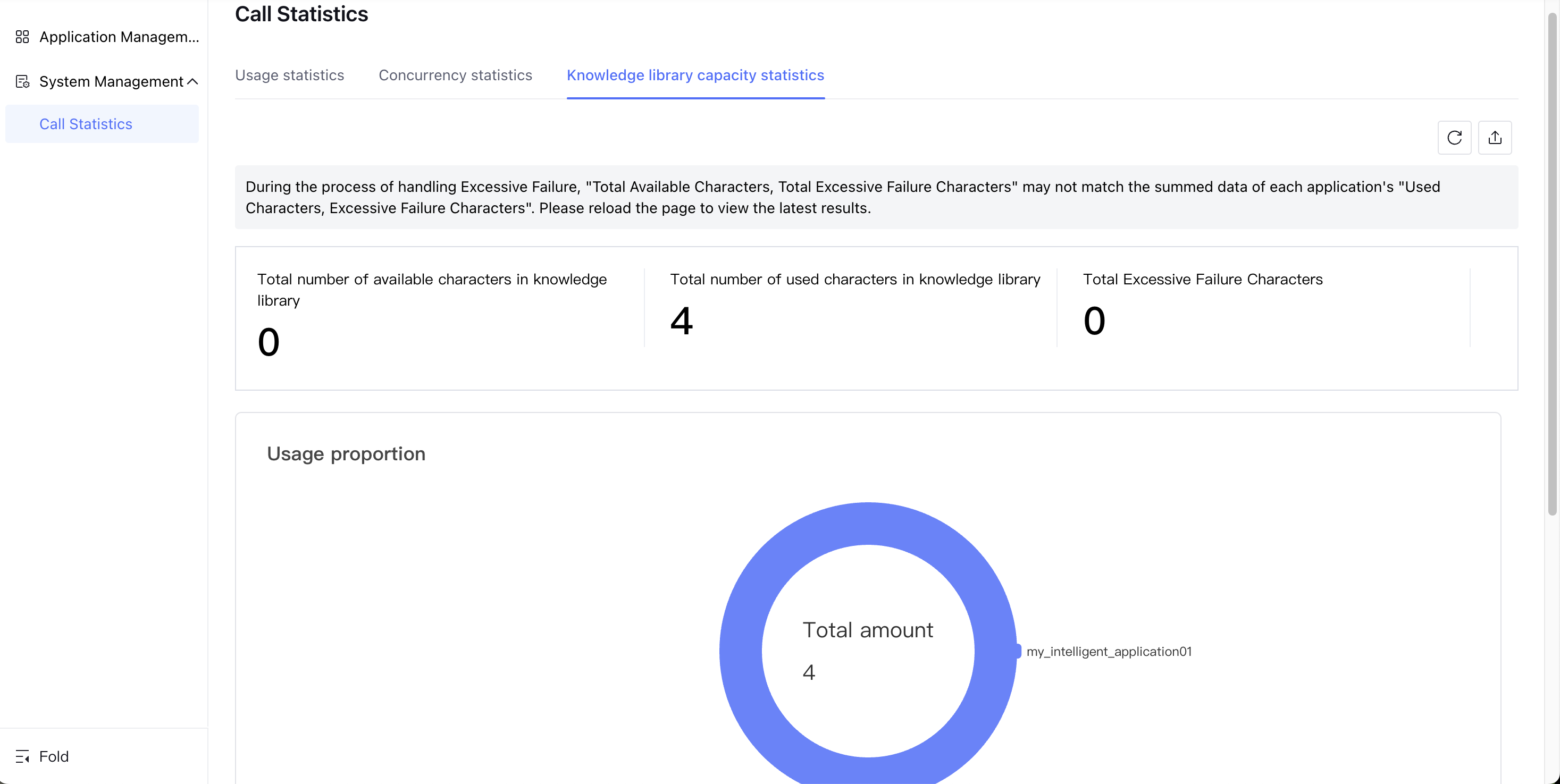
Provide the total number of available characters and the total number of expired characters in the knowledge base. You can view the usage and proportion of each application's knowledge base in the Knowledge Library Capacity Statistics.
Total available characters in the knowledge base: the total number of characters in the knowledge base, including trial resources and purchased characters.
Total number of expired characters: the total number of characters in the knowledge base processed as in an excess capacity invalidation state. If expired characters exist, purchase a knowledge base capacity package as soon as possible.