Opening or Creating a Project
Download
Focus Mode
Font Size
This article describes how to quickly open or create a project.
Open CodeBuddy IDE. The icons in the upper-right corner correspond to the terminal and the right-side chat window for opening and closing them.
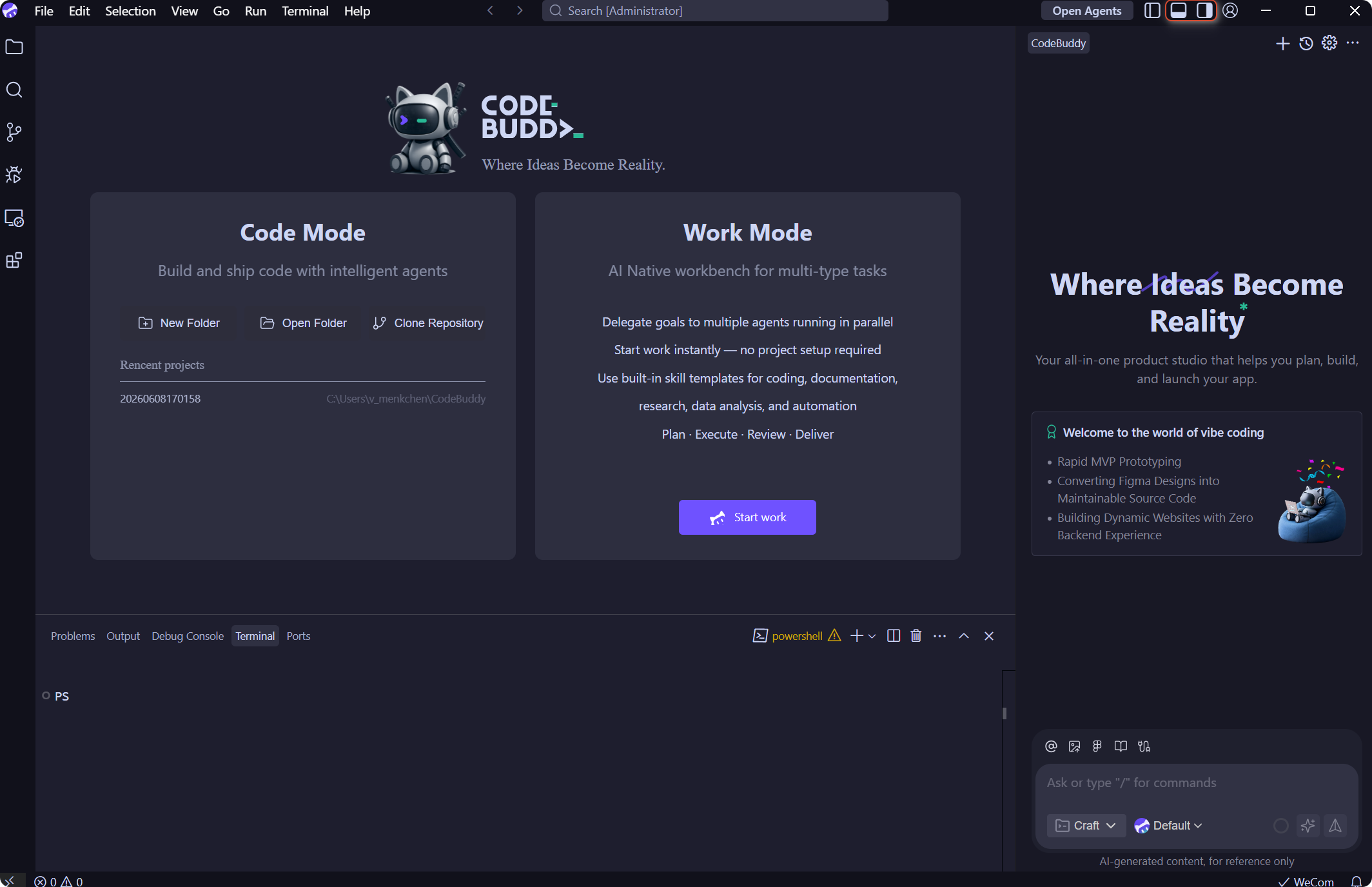
Based on your actual needs, create a new project or open an existing one.
Create a new project.
Click New Folder to create a new project in the system user directory.
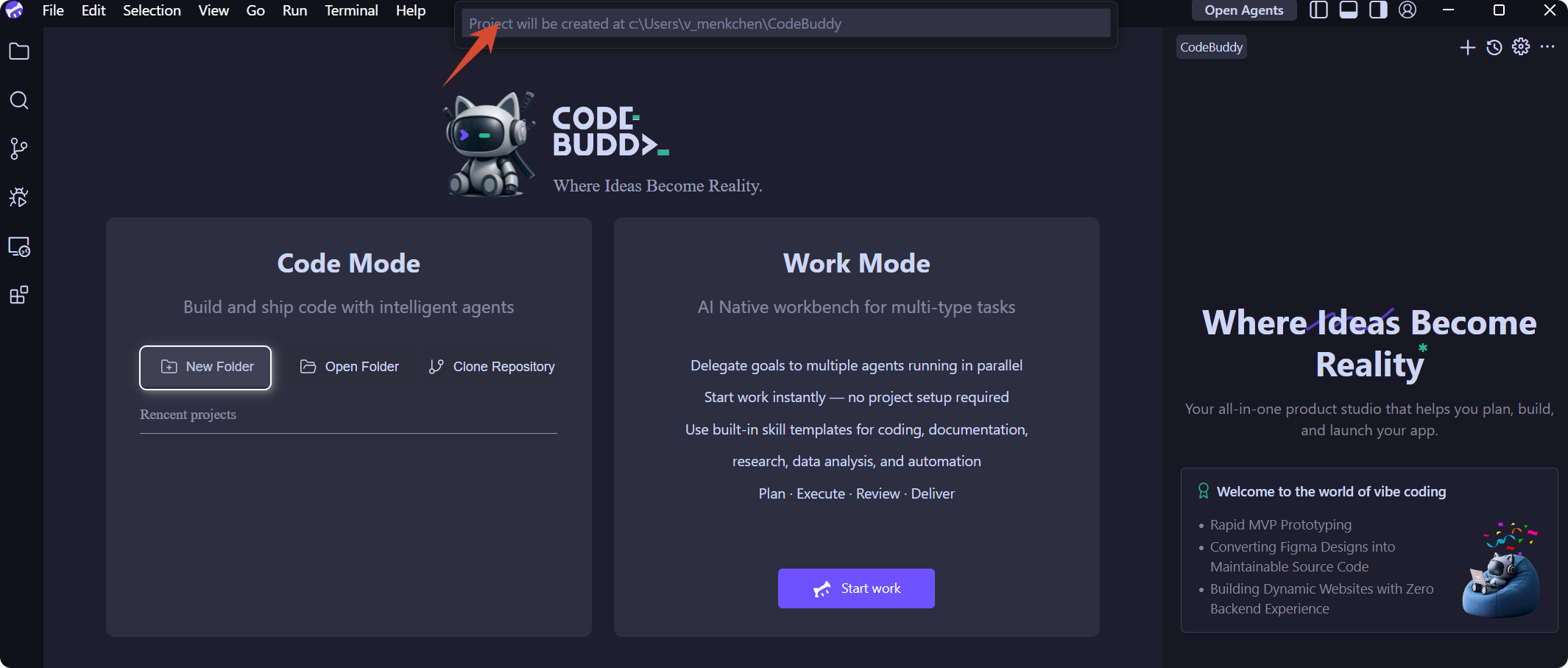
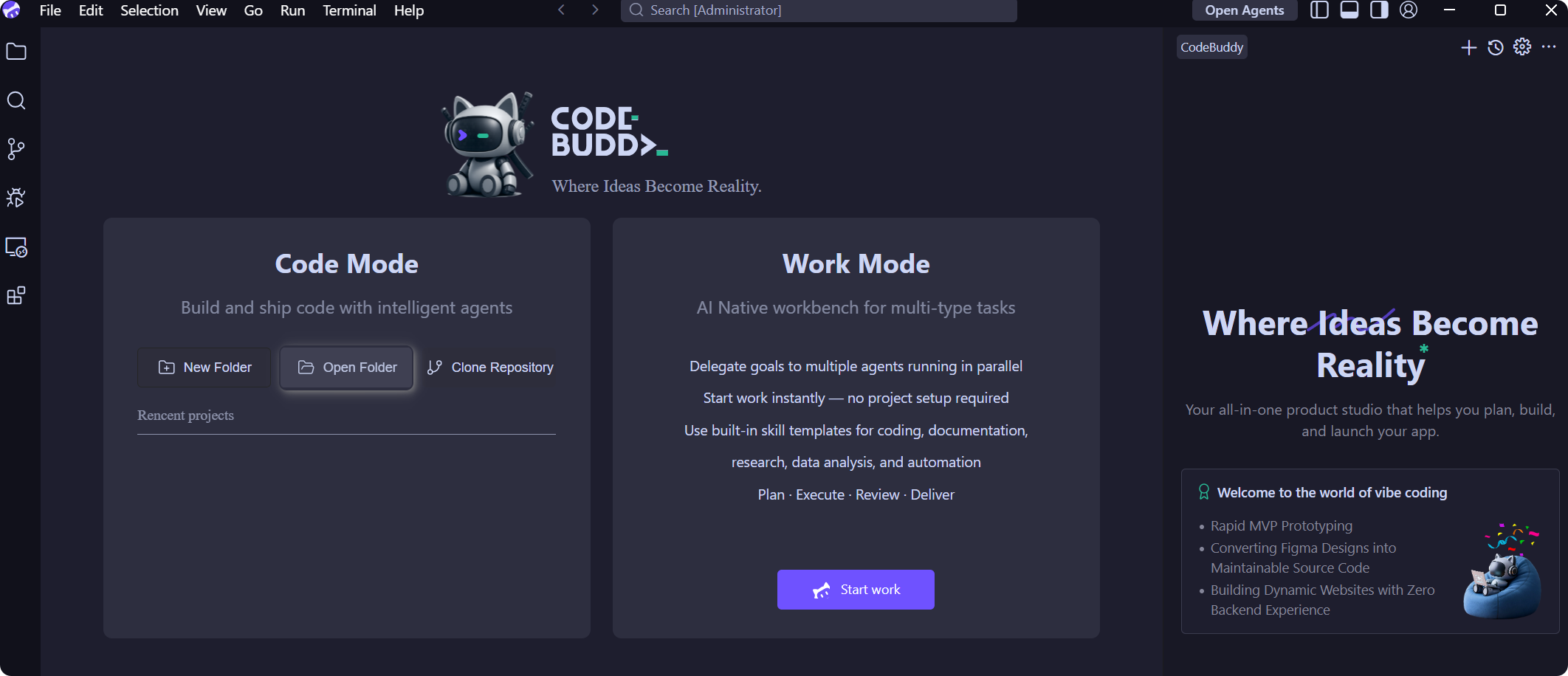
Open an existing project.
Click Open Folder to open an existing project locally.
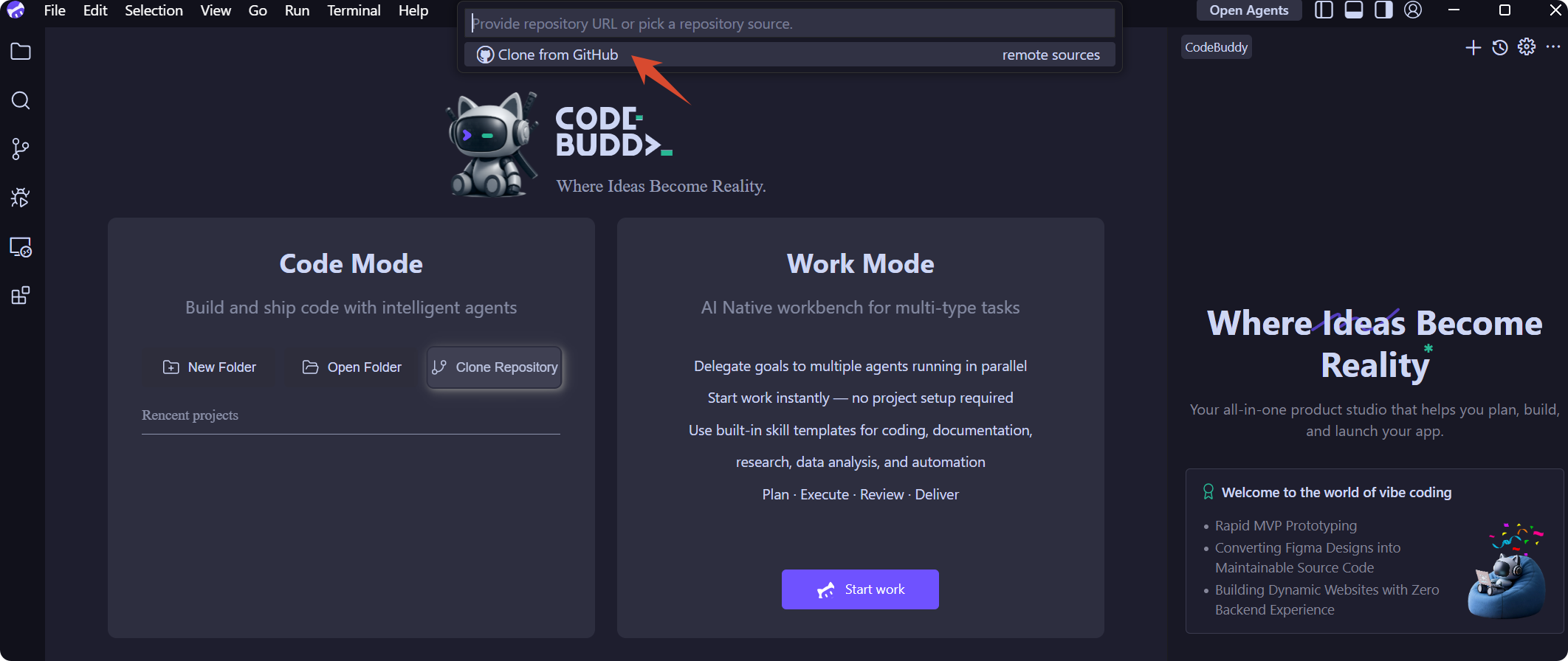
Clone a remote Git repository project.
Ensure Git is installed. You can use the command below to check the version. If it is not installed, visit Git to install it.
git --version
Obtain the URL of the remote Git repository, for example:
https://github.com/leaferjs/leafer-draw.git
Click Clone Git Repository, enter the URL, and then select the directory to store the cloned project.
Now you can start your coding journey.
Help and Support
Was this page helpful?
You can also Contact sales or Submit a Ticket for help.
Help us improve! Rate your documentation experience in 5 mins.
Feedback