Integration
Download
Focus Mode
Font Size
CodeBuddy integrates Supabase and Tencent CloudBase backend services, allowing you to obtain a running backend environment without tedious configuration.
Features
Out of the Box: No manual configuration required for databases, authentication, etc.
Multi-platform Support: Supports two major backend platforms: Supabase and Tencent CloudBase.
One-Click Connection: Complete backend service integration through a simple authorization process.
Supabase
Supabase is an open-source alternative to Firebase, primarily providing the following backend services:
Service Type | Description |
Database | Managed SQL database, no need to worry about database operations |
Authentication | User login and management for applications |
Edge Functions | For API needs, supports communication with third-party services like Stripe |
Connect to Supabase
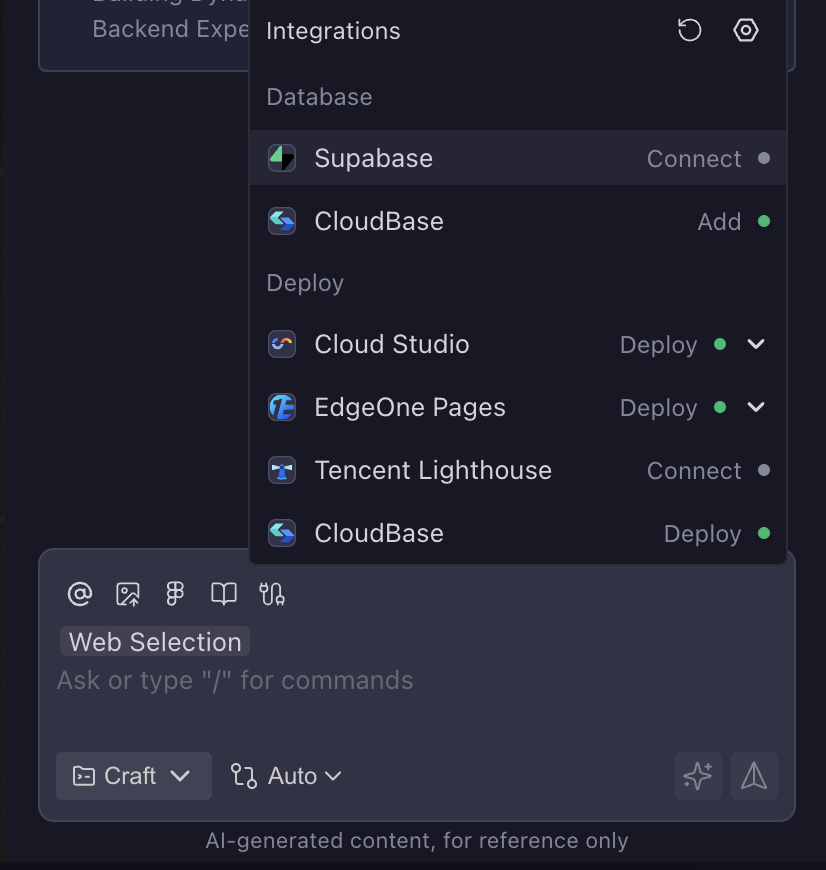
1. In the sidebar dialog, find and click Supabase to connect.
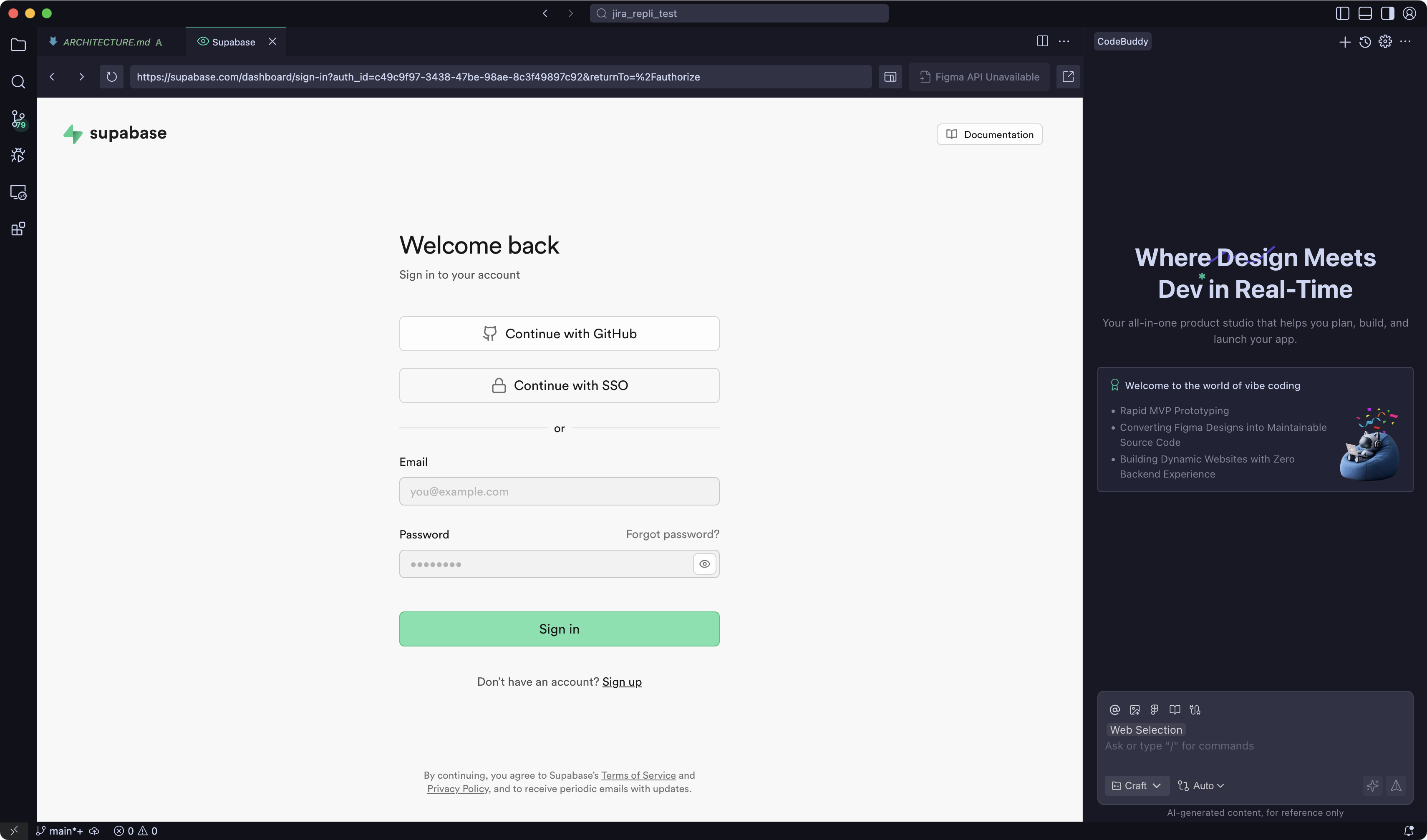
2. Log in or register for a Supabase account.
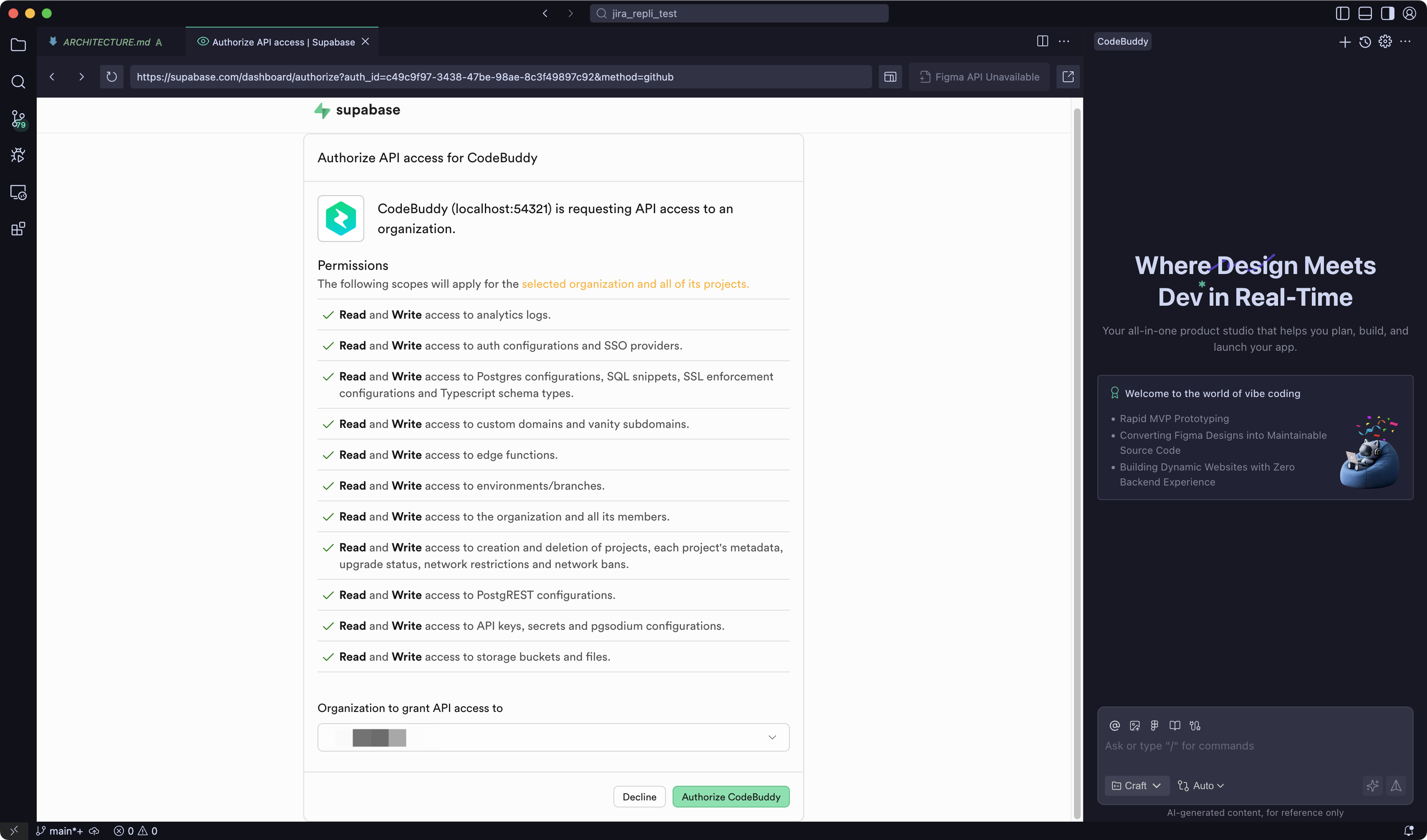
3. Complete the API authorization.
Use Supabase in Project
1. Select an existing Supabase project to connect to, or create a new one.
2. Click Connect project to connect.
3. Connection success.
4. In your project, simply select the services you need to add.
Disconnect Supabase
1. In the sidebar dialog, click the settings icon to the right of Integration to enter CodeBuddy's configuration page.
2. In the settings page, switch to the Integrations tab.
3. Click DisableConnect to the right of the connected Supabase project.
Tencent CloudBase
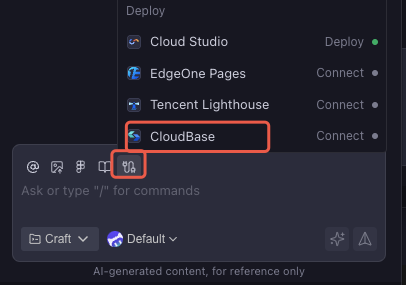
Tencent CloudBase (TCB) is a cloud-native integrated development platform provided by Tencent Cloud, primarily offering the following backend services:
Service Type | Description |
Authentication | Complete user identity management and access control solution |
Database | Serverless-based, out-of-the-box data management service |
Cloud Functions | Run backend code without managing servers |
Cloud Storage | Supports storage for unstructured data like images, documents, audio, and video |
FAQ
What if the connection fails?
Please check the following:
Ensure your network connection is normal.
Confirm that the account is logged in correctly.
Check if necessary authorization steps have been completed.
How to switch between different backend services?
In the Integrations settings page, you can disconnect the currently connected service and then reconnect to other services.
Help and Support
Was this page helpful?
You can also Contact sales or Submit a Ticket for help.
Help us improve! Rate your documentation experience in 5 mins.
Feedback