Login
Download
Focus Mode
Font Size
CodeBuddy IDE
1. Go to the CodeBuddy website, click Log In in the upper-right corner, and select Log in with Tencent OnelD or SSO Enterprise Login.

2. Select the login methods that are supported by the enterprise's configuration in Tencent Unified Identity.
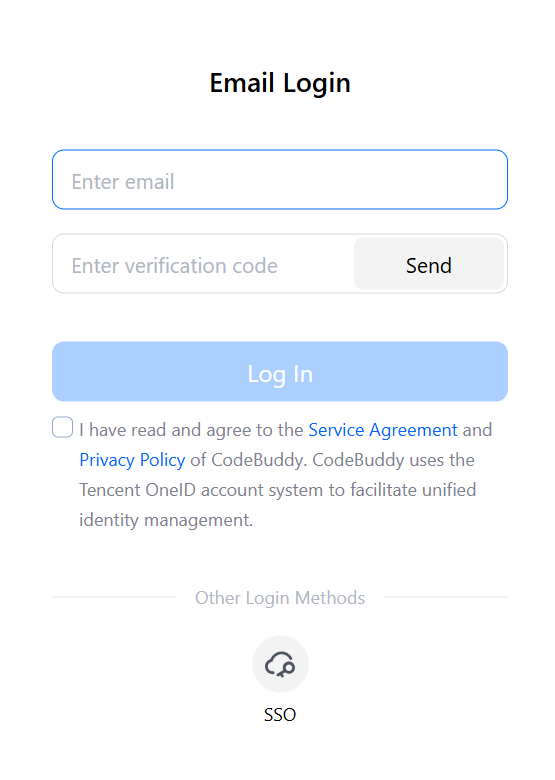
Email Login: Enter the email address that was entered when the member is added in Tencent Unified Identity, and obtain a Captcha to log in.
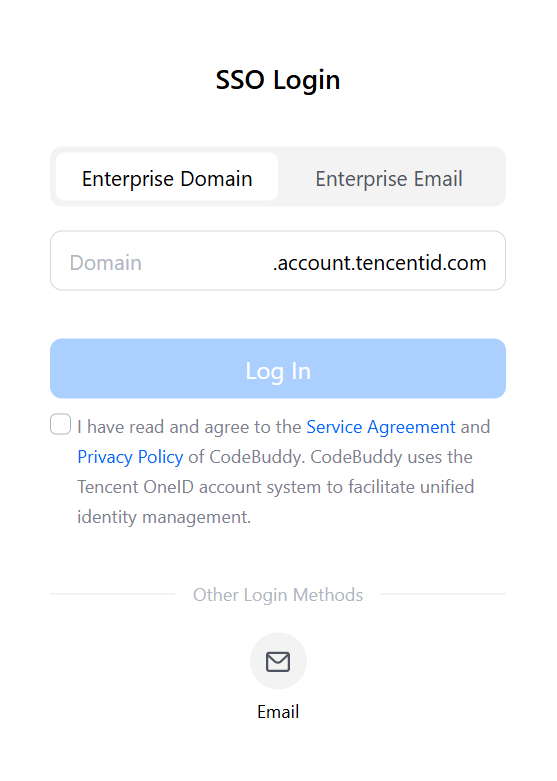
SSO Login: Enter your enterprise domain name or enterprise email address, go to the SSO login page, and complete the login.
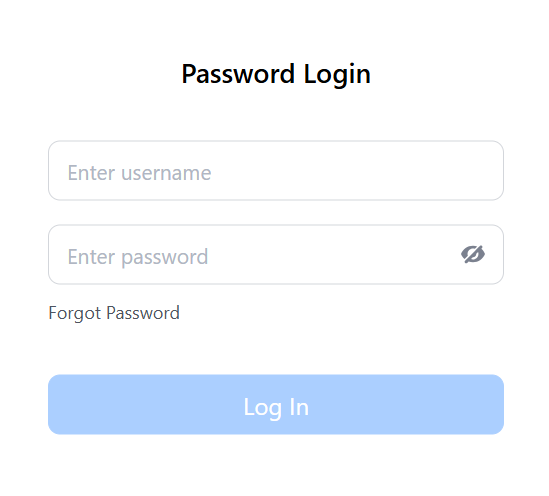
3. Enter the username and password to log in.
CodeBuddy Code
When using CodeBuddy Code for the first time, select the
Log in via International Site login method and complete the login process through the CodeBuddy.Help and Support
Was this page helpful?
You can also Contact sales or Submit a Ticket for help.
Help us improve! Rate your documentation experience in 5 mins.
Feedback