Modifying DNS Server
Download
Focus Mode
Font Size
Overview
If your DNS server is incorrect, you need to change the domain's DNS address to the prompted address for records to take effect.
Note:
The DNS server address of a domain newly registered with Tencent Cloud is the one in the Free plan. If you don't need to upgrade your plan, you don't need to change the address.
Directions
You can check whether the DNS server is correct in the following steps:
1. Log in to the DNSPod Console.
2. On the Authoritative Resolution page, select the target domain by clicking its name to enter the domain management page.
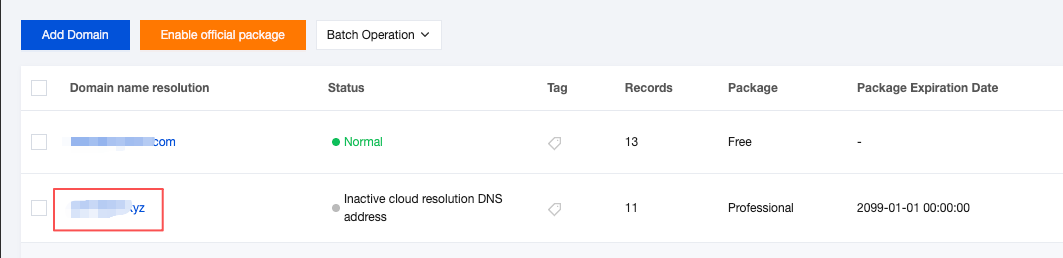
3. Navigate to the Record Management tab. If you get the following prompt, the DNS server is incorrect, and you can copy the correct DNS address to the domain management page as shown below:

4. After obtaining the correct DNS address, proceed to your domain registrar's website to update the DNS server settings accordingly.
Note:
Different DNS plans correspond to different DNS addresses. For more information, please see DNS Node Distribution.
For domains registered on Tencent Cloud: Follow the Modifying DNS Server instructions to complete the update.
For domains not registered on Tencent Cloud: Consult your domain registrar's documentation for DNS server modification procedures, or contact their support team for assistance.
Help and Support
Was this page helpful?
You can also Contact sales or Submit a Ticket for help.
Help us improve! Rate your documentation experience in 5 mins.
Feedback