Audit Logs
Download
Focus Mode
Font Size
Log List
1. Log in to the Tencent iOA Zero Trust Security Management System console and choose Terminal Intrusion Prevention > Virus Detection > Audit Log in the left sidebar.
2. On the Audit Logs page, all virus detection logs are displayed, and filtering by time and field attributes is supported.
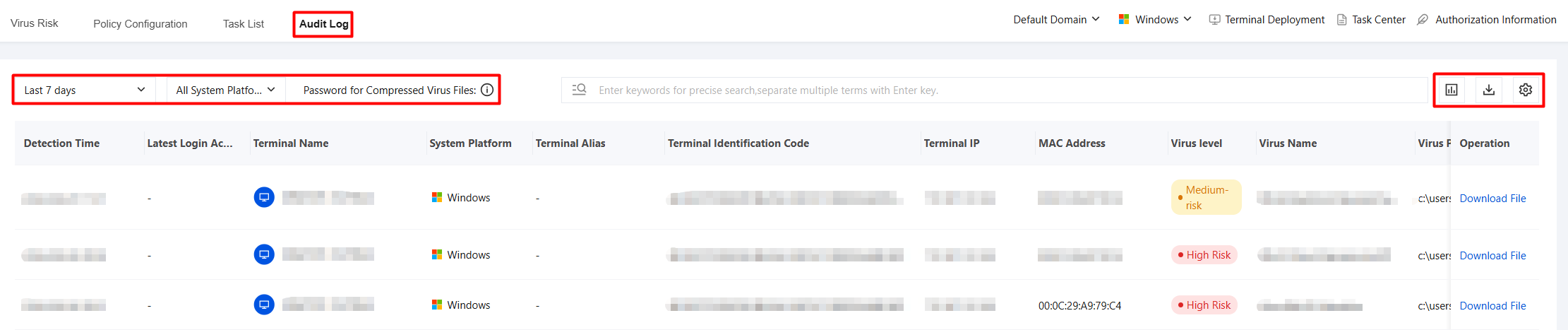
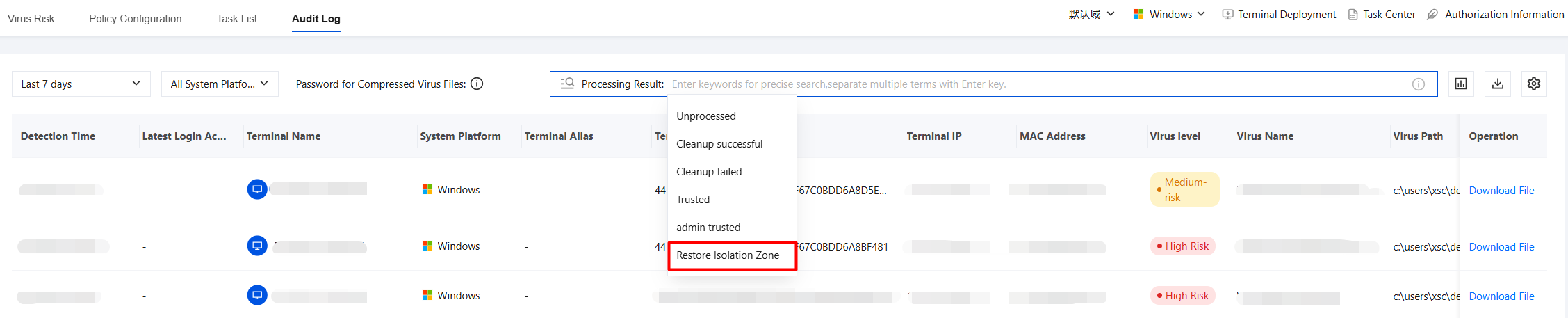
3. The processing result field supports viewing log information that has been trusted by the administrator.
Exporting Logs
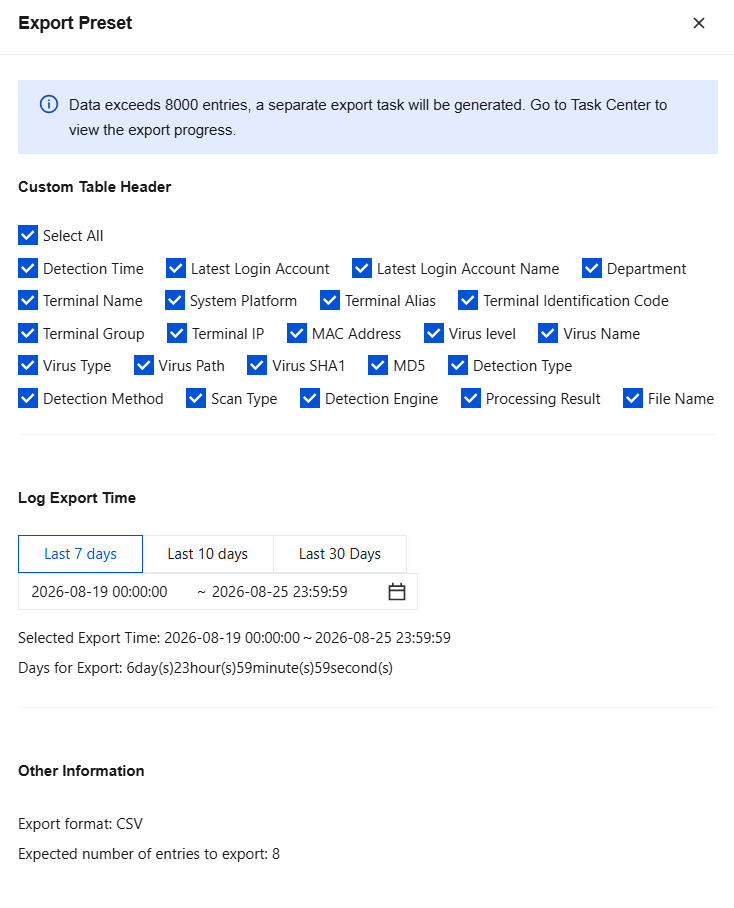
On the Audit Logs page, click 
Downloading Infected Files
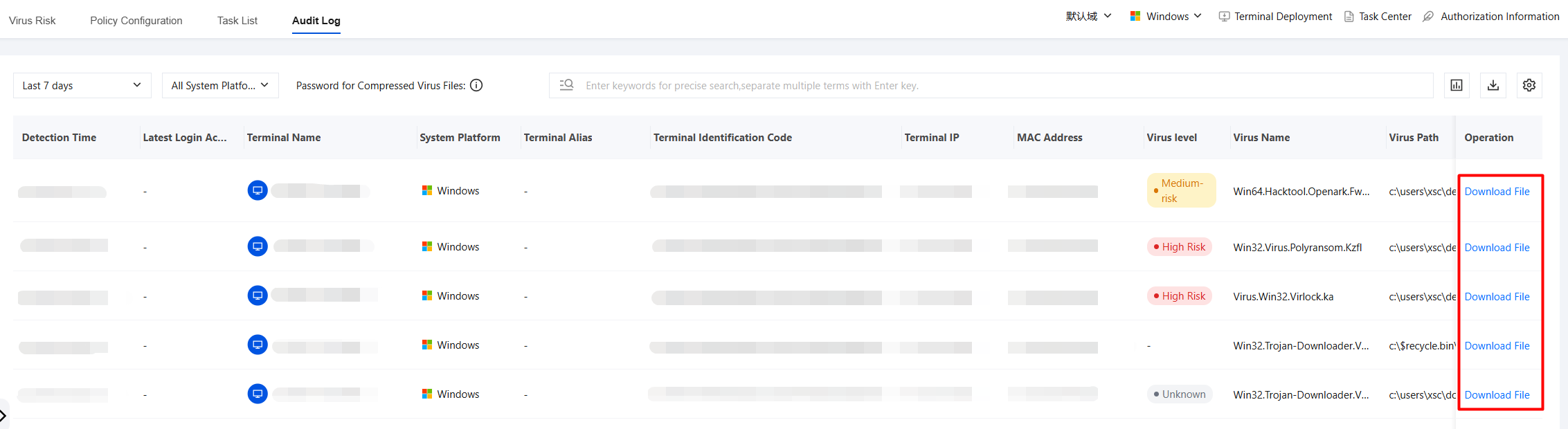
On the Audit Logs page, click Download File to extract the virus file.
Help and Support
Was this page helpful?
You can also Contact sales or Submit a Ticket for help.
Help us improve! Rate your documentation experience in 5 mins.
Feedback