Does Terminal Security Edition Require Importing a User Source?
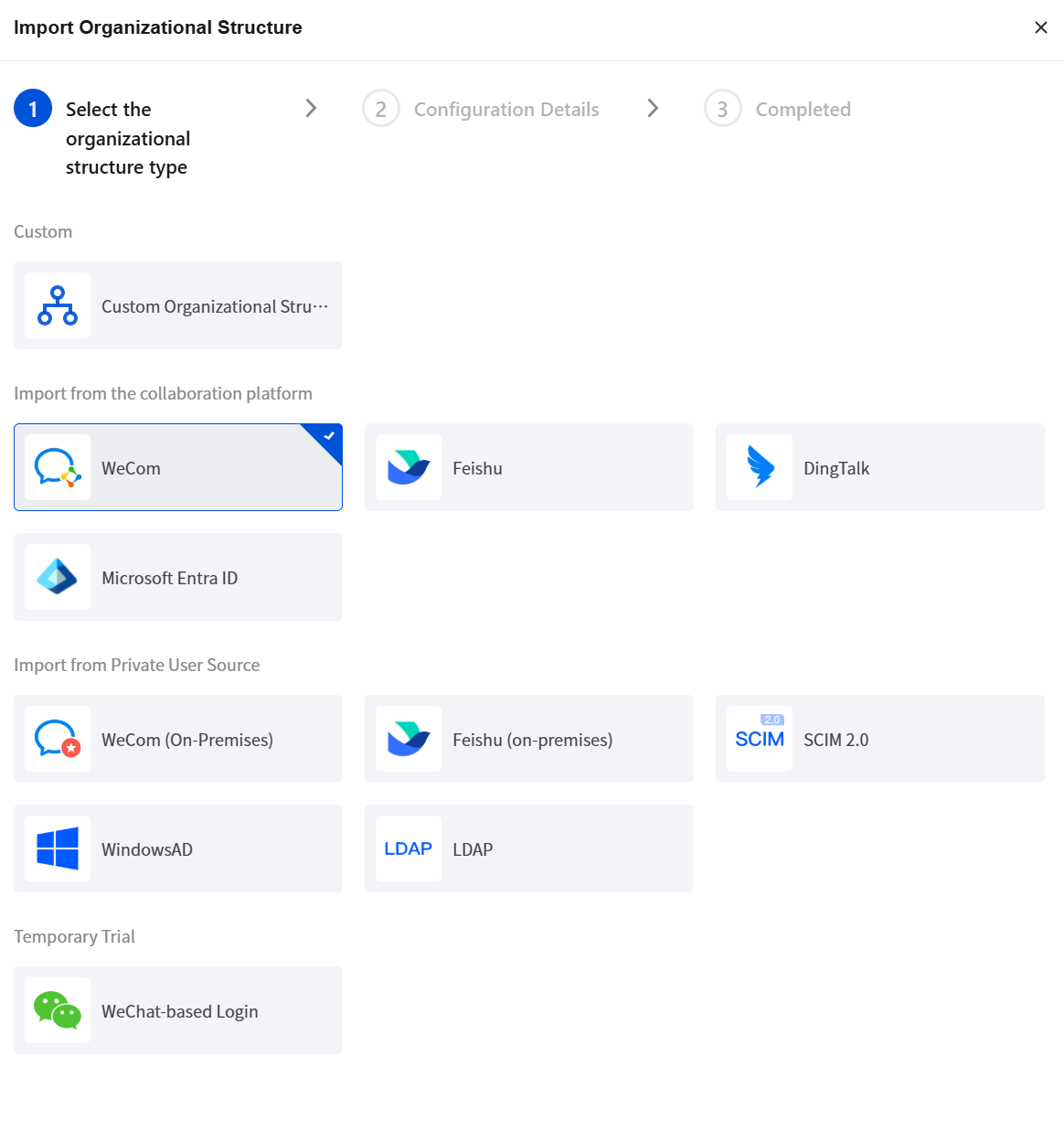
The terminal security edition does not require importing a user source. You can manage terminals and distribute security policies by using the terminal tree (terminal directory structure) dimension in the terminal list.
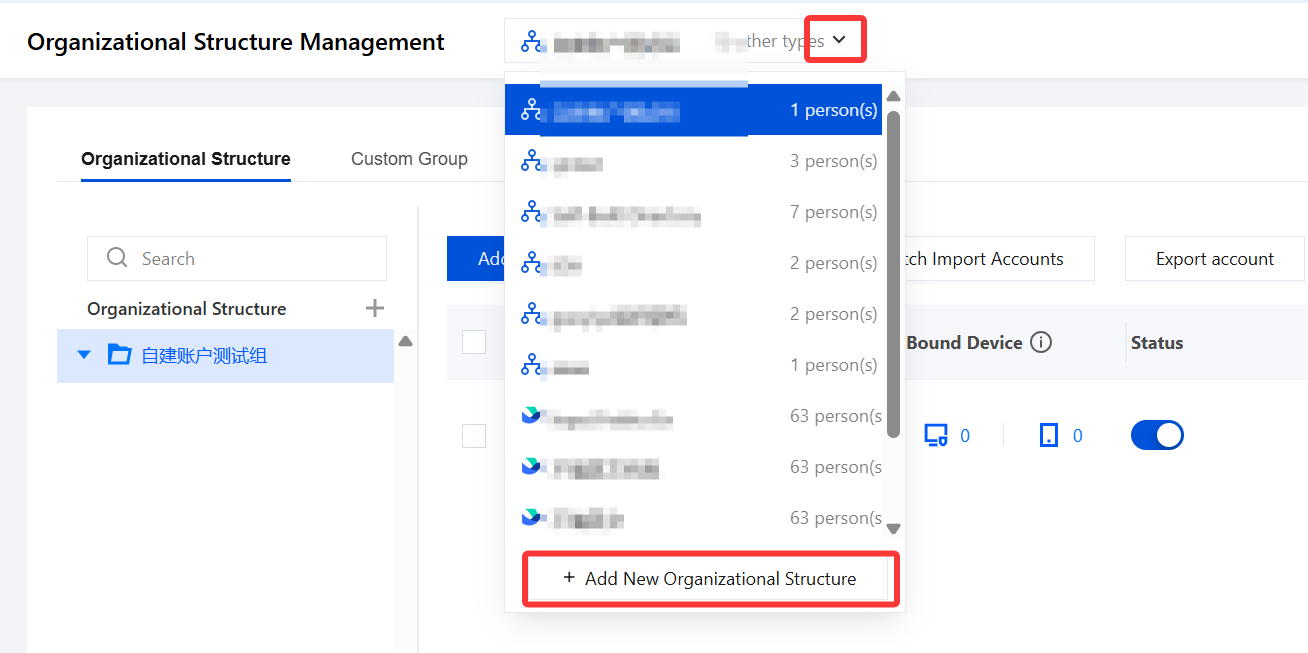
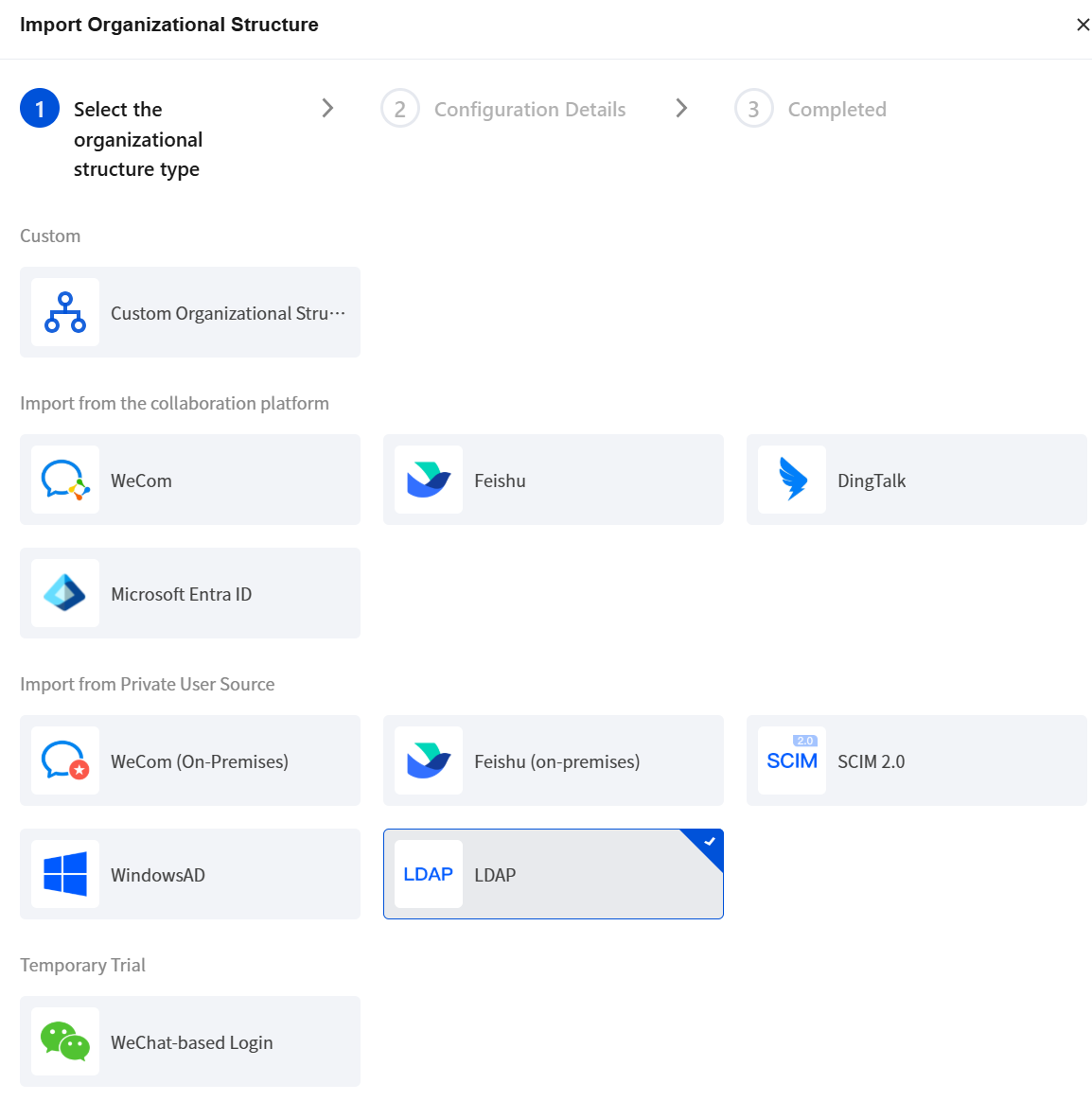
If your enterprise is accustomed to managing terminal security policies by user dimension, for example, it has always used AD domain control for security policy configuration management, we recommend importing an identity source.
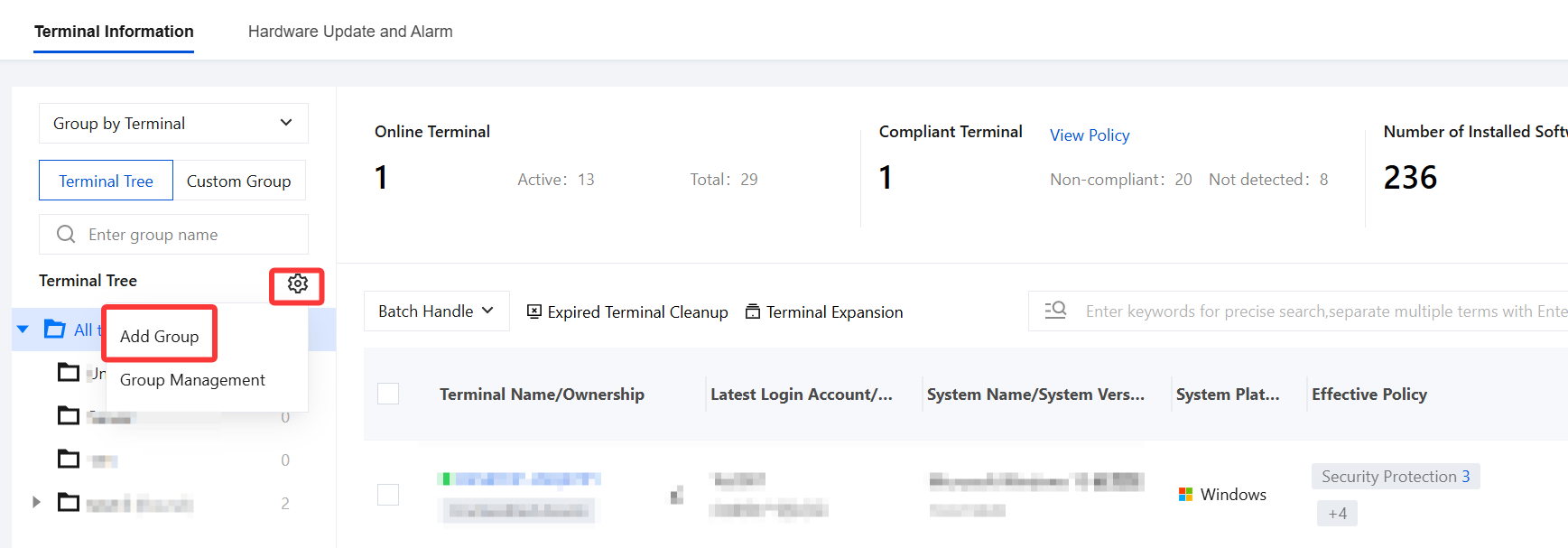
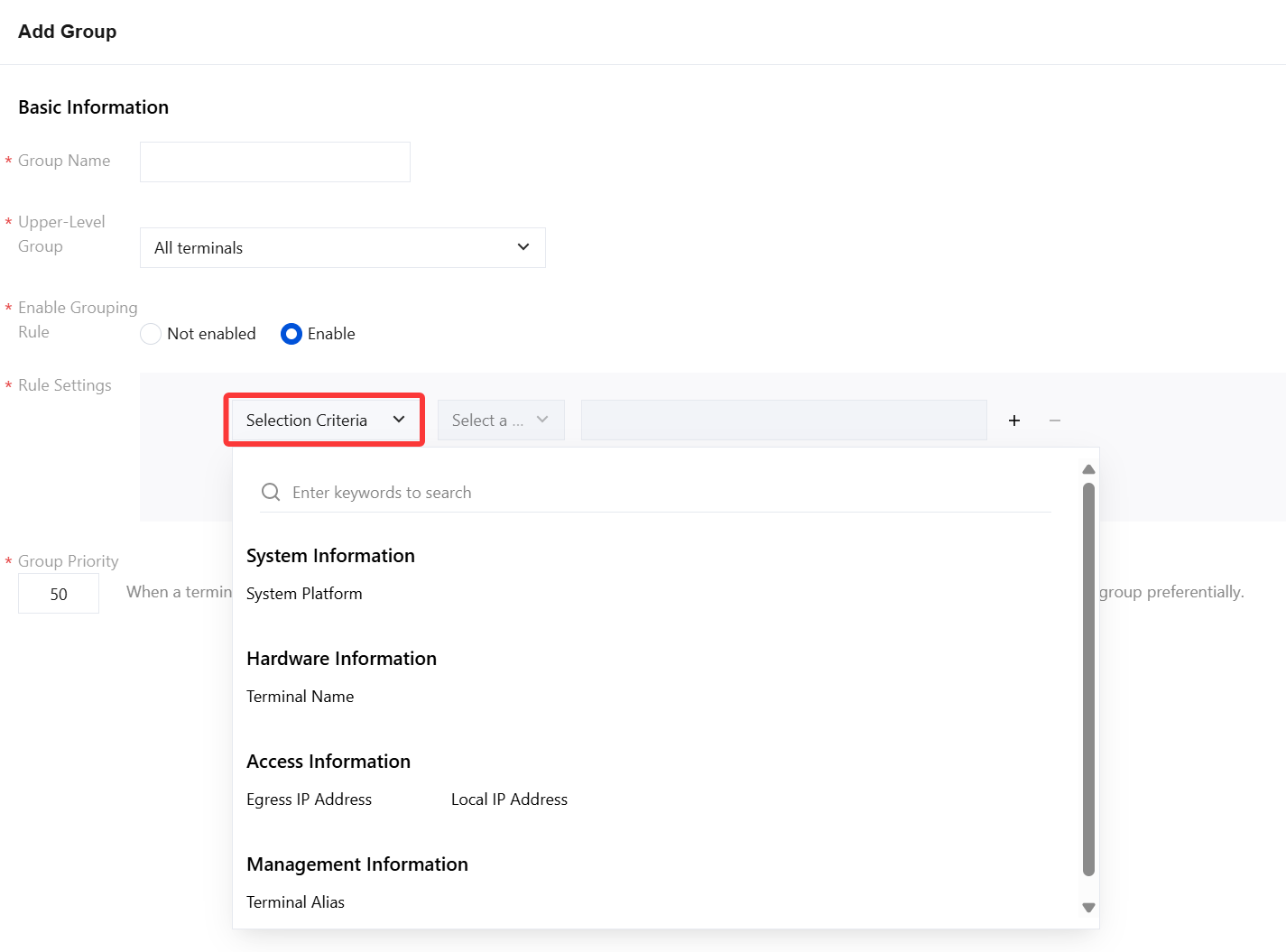
3. Edit the group information. After the configuration is complete, click OK.
Parameter Name
Description
Group name
Custom name, which is the name of the group to which each terminal belongs.
Parent group
Select the parent group of the terminal from the drop-down list. The default value is all terminals. You can select an existing terminal group as the parent organization of the current group.
Enable group rules
Disabled: Terminals are not automatically grouped. (Select Disabled here)
Enabled: Terminal tree grouping supports setting grouping rules based on local IP address, terminal name, and terminal remarks. Terminal devices are automatically assigned to the corresponding specified groups based on these grouping rules.
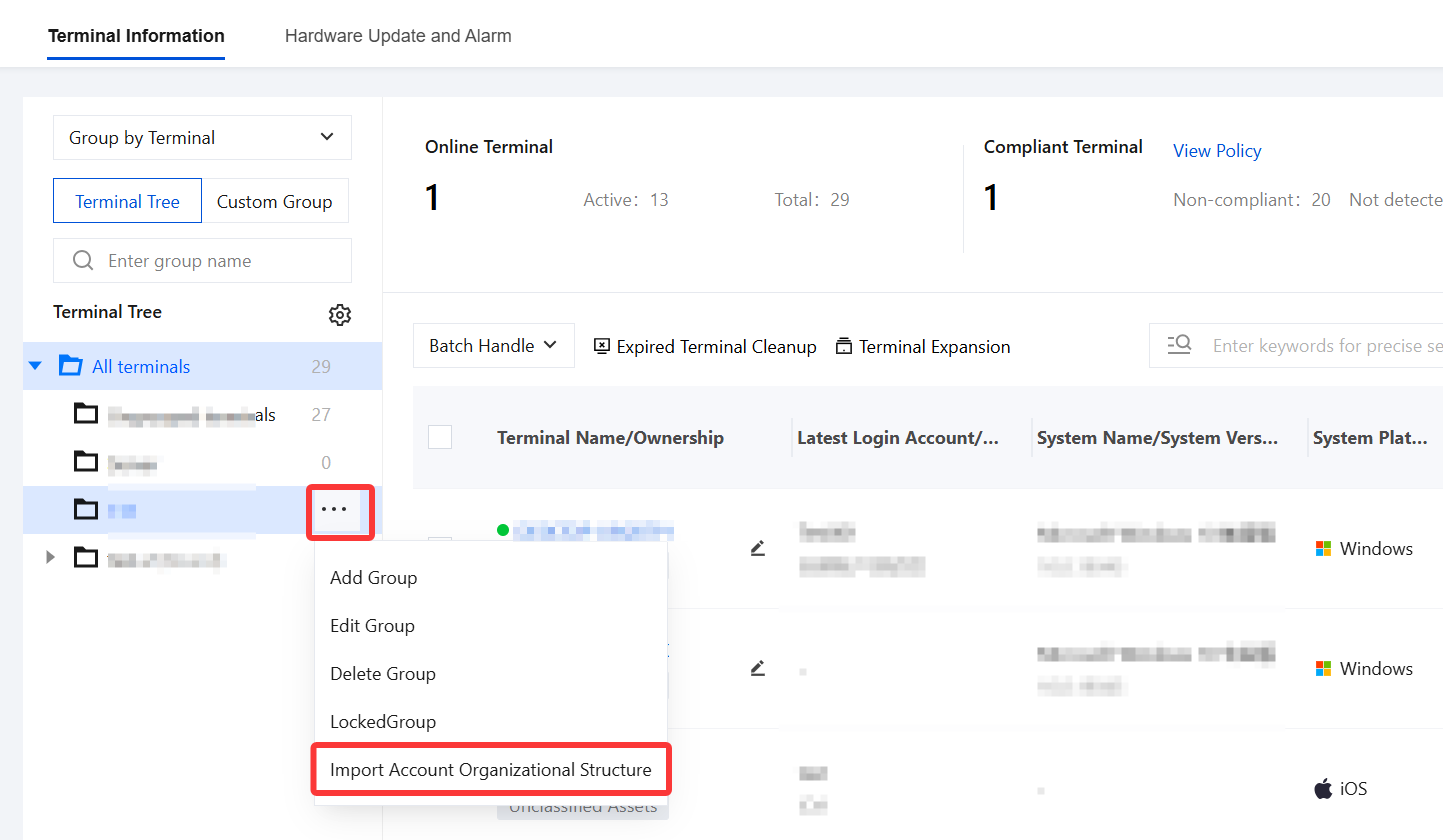
4. On the Terminal Information page, select an existing group, click
, and select Import Account Organizational Structure. After the directory is imported, it will be synchronized with the organizational structure information.
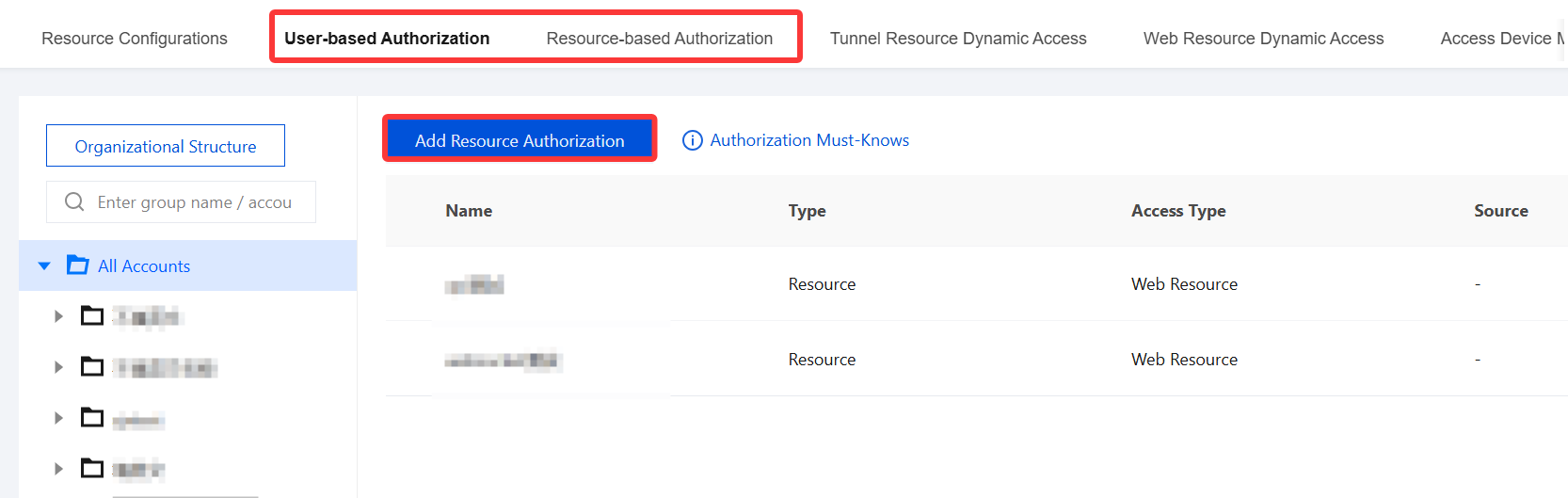
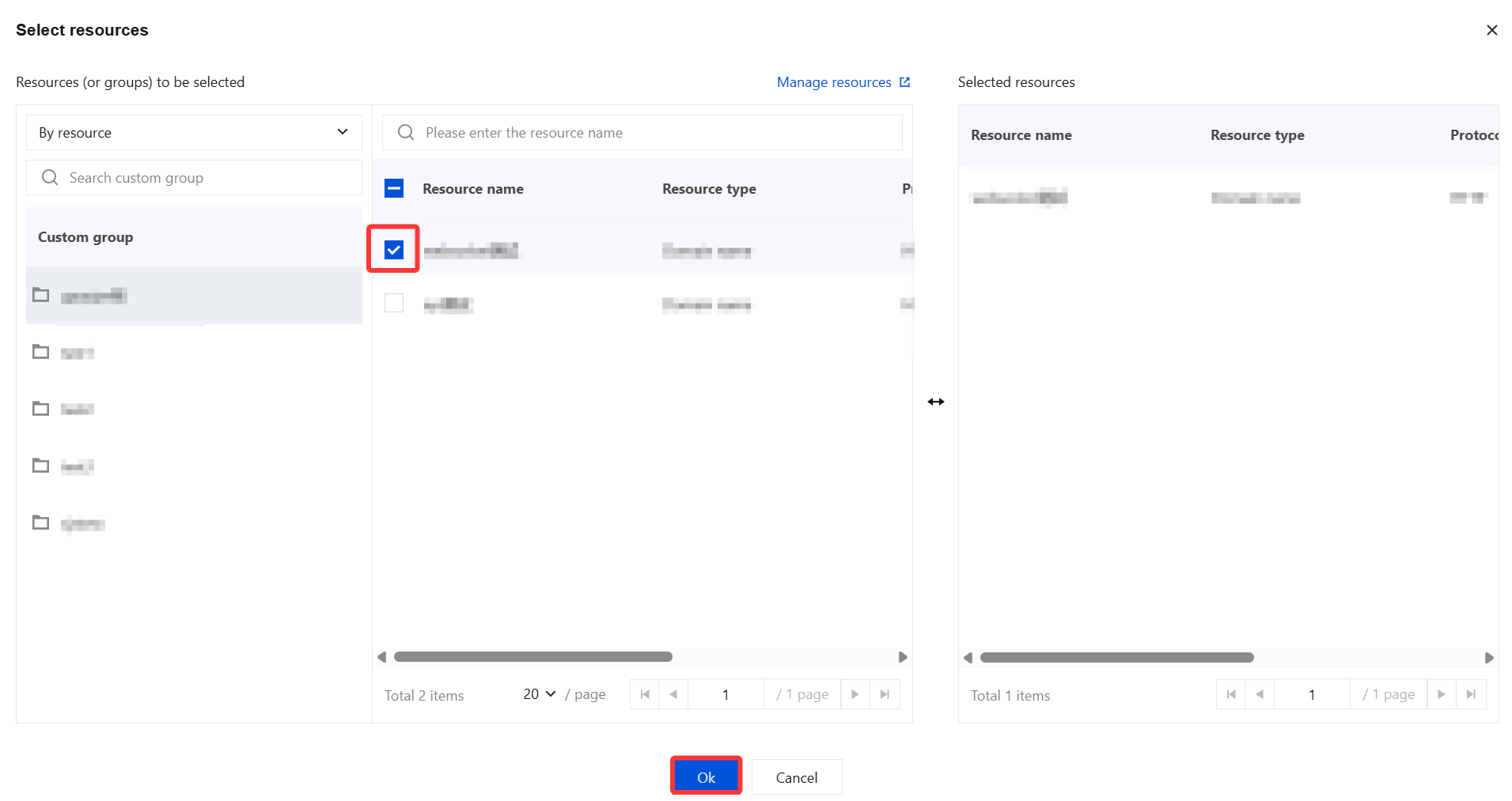
2. In the resource authorization window, select the desired resources and click OK.
Why Do I Need to Select a User Directory First When Logging In?
Different directories are isolated from each other. Since users come from different sources, you must select the corresponding directory to correctly match account passwords.
Note:
You only need to select the directory once. After successful login, the system will remember the directory you selected last time.