Enable CreatedBy
Download
Focus Mode
Font Size
Overview
After the createdBy tag feature is enabled, when a user creates resources (limited to cloud resources that support the createdBy tag feature), the tag system will automatically bind createdBy tags to the user's resources.
Note:
The tag policy is currently in grayscale. If you want to use this service or have any product suggestions, feel free to provide feedback by submitting an Online Ticket for a trial.
Directions
1. Log in to the Tag console.
2. In the left sidebar, click CreatedBy to enter the createdBy page.
3. Click Enable CreatedBy.
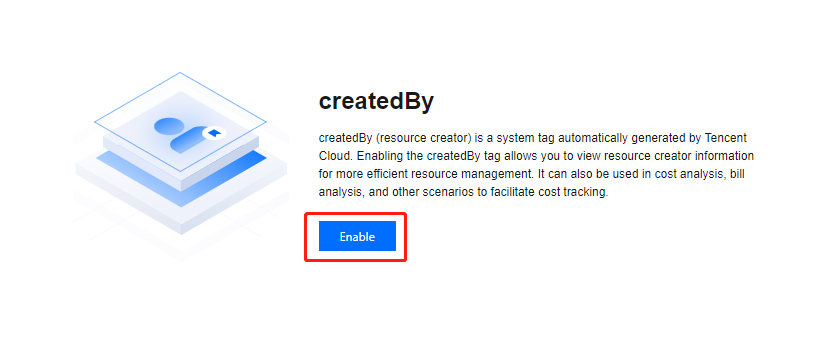
4. In the pop-up, click OK.
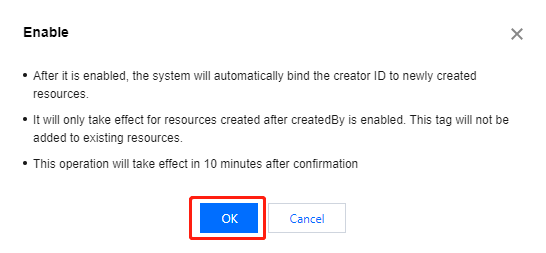
5. The page shows Current Status: Enabled. The status will be effective after 10 minutes and it will indicate that the createdBy feature be enabled.

Help and Support
Was this page helpful?
You can also Contact sales or Submit a Ticket for help.
Help us improve! Rate your documentation experience in 5 mins.
Feedback