Cline
Unduh
Mode fokus
Ukuran font
Cline is a VSCode extension for intelligent programming. You can integrate the Tencent DeepSeek V4 Pro model to complete complex programming tasks. This article demonstrates how to integrate a model for use with Cline, using DeepSeek V4 Pro as an example.
Installing Cline
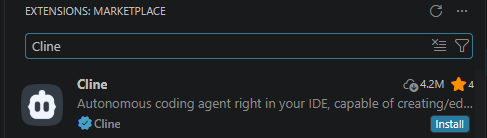
Open VSCode, search for and install Cline from the Extensions Marketplace. For details, refer to Cline Official Installation Guide.
Obtaining an API Key
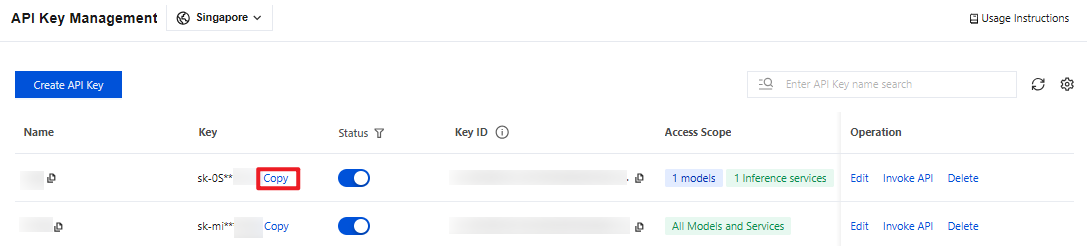
1. Go to the API Key Management page and click Create API Key. For operational details, see Create API Key.
Note:
When setting the Access Scope, if you select "Range", ensure that DeepSeek V4 Pro is selected.
2. After creation, be sure to copy and securely store the API Key. This information will be used in the subsequent process of configuring the tool.
Configuring Cline
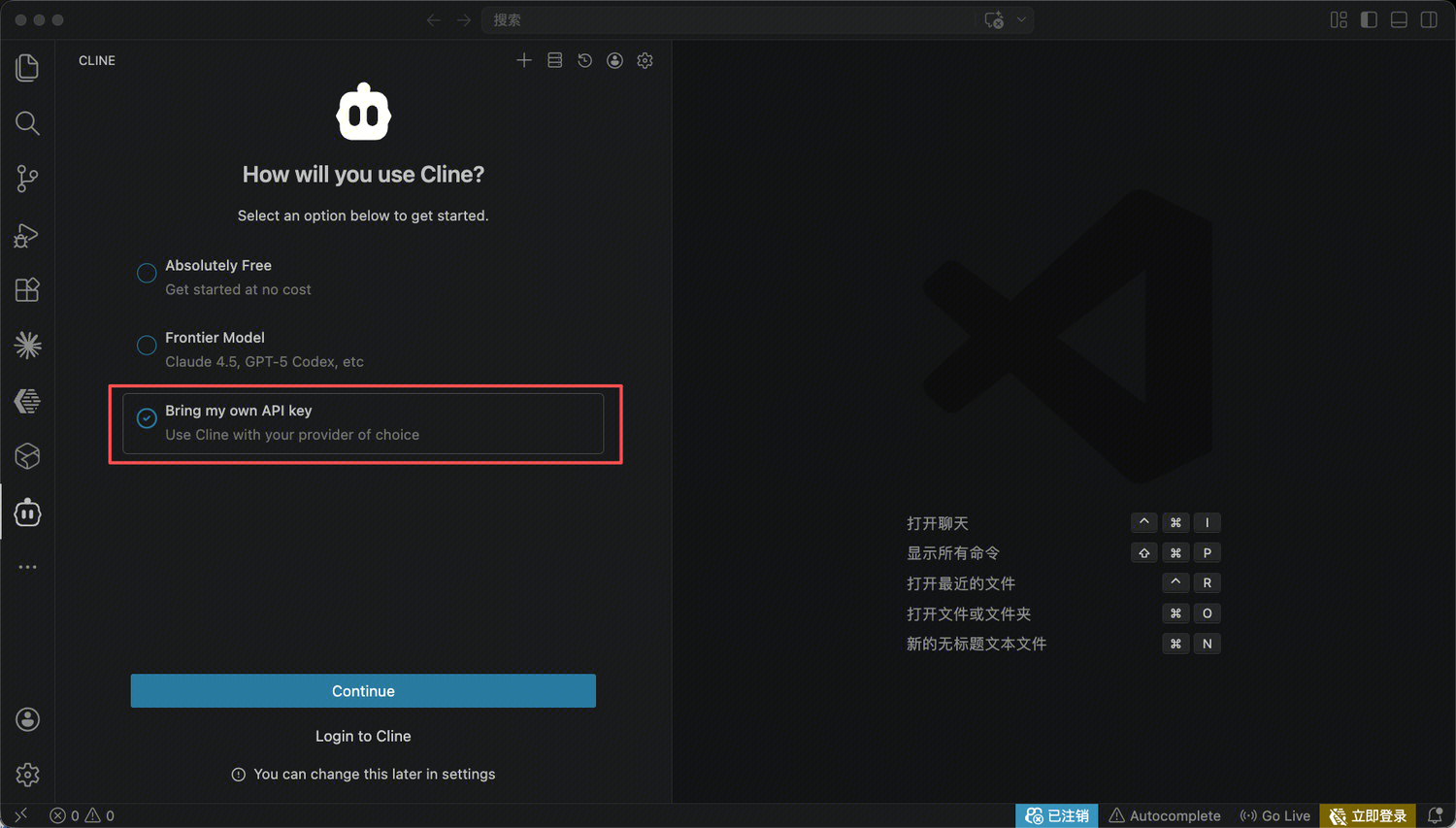
After the Cline extension is installed, select Bring my own API key and click Continue to open the configuration page. If you have used Cline before, you can click the settings button in the upper-right corner of the main interface to configure it.
On the configuration page, configure the following information:
API Provider: Select
OpenAI Compatible.Base URL:
https://tokenhub-intl.tencentcloudmaas.com/v1OpenAI Compatible API Key: Enter your API Key.
Model ID: Enter
deepseek-v4-pro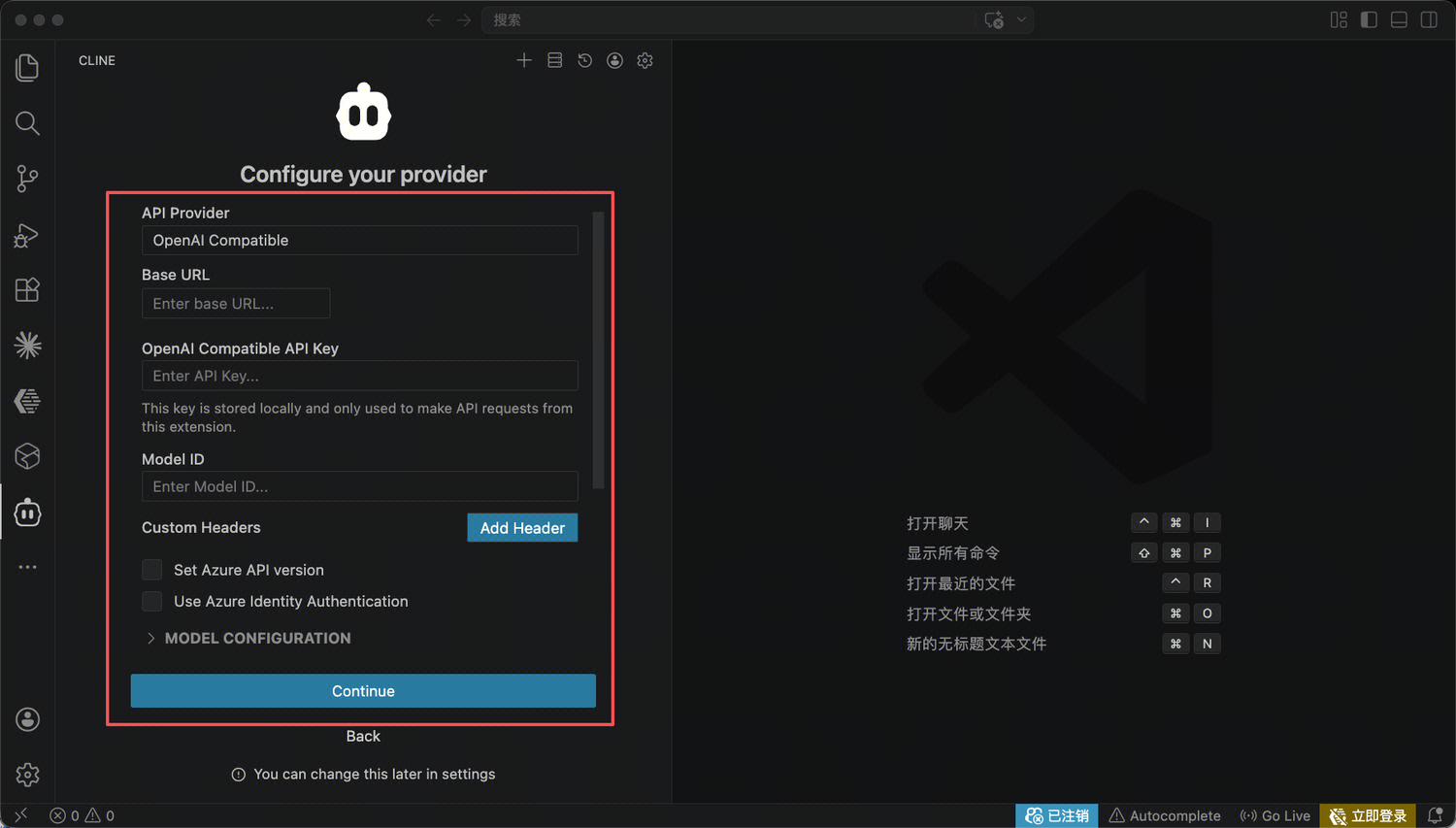
Using Cline
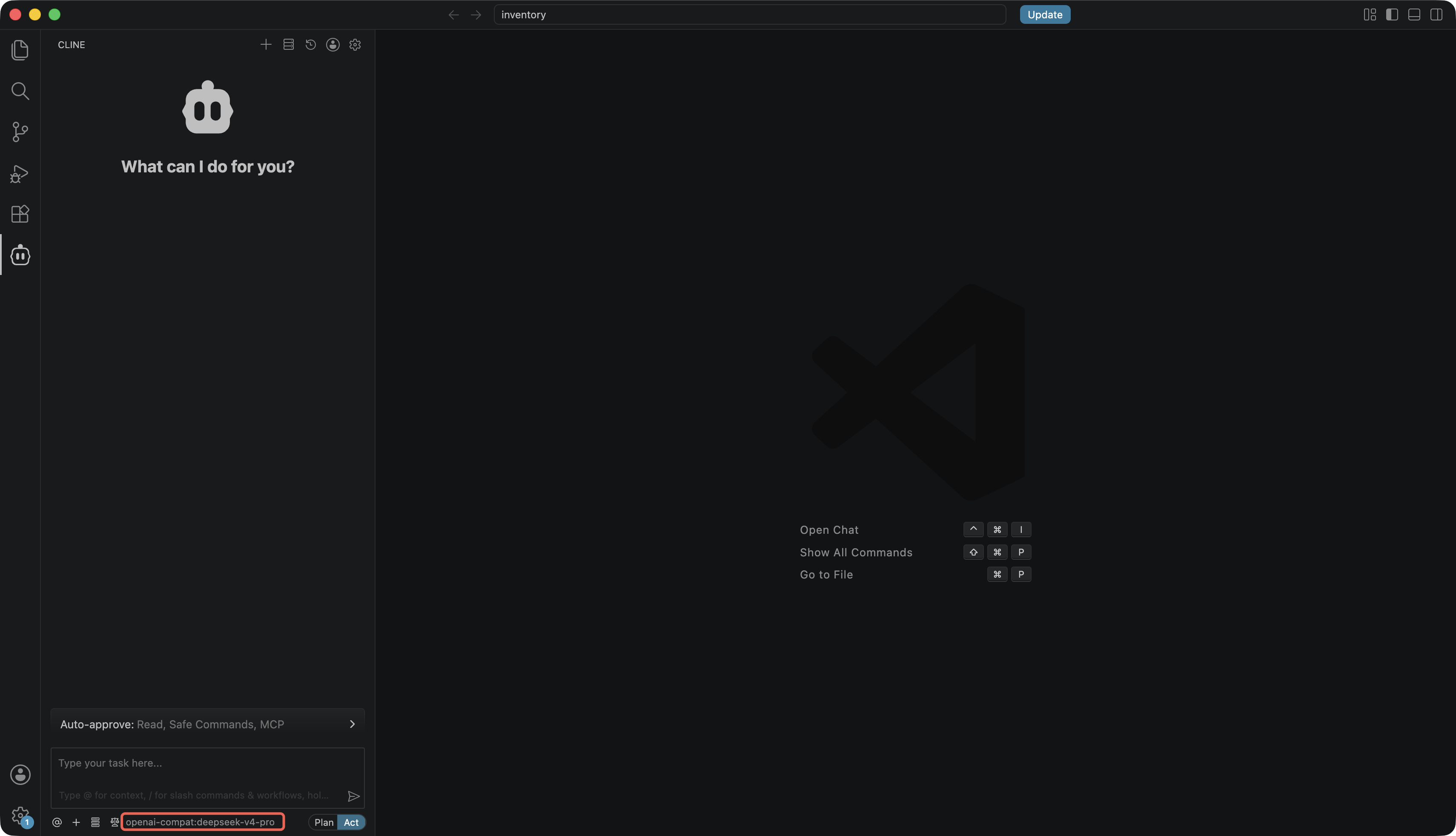
After completing the form, click Continue to finish the configuration. You can then use DeepSeek V4 Pro in Cline for conversation.
Bantuan dan Dukungan
Apakah halaman ini membantu?
Anda juga dapat Menghubungi Penjualan atau Mengirimkan Tiket untuk meminta bantuan.
masukan