When there are resources of multiple Tencent Cloud services under your account, such as CVM instances, CBS instances, and COS buckets, you can categorize and manage them by creating tags and binding the tags to your resources.
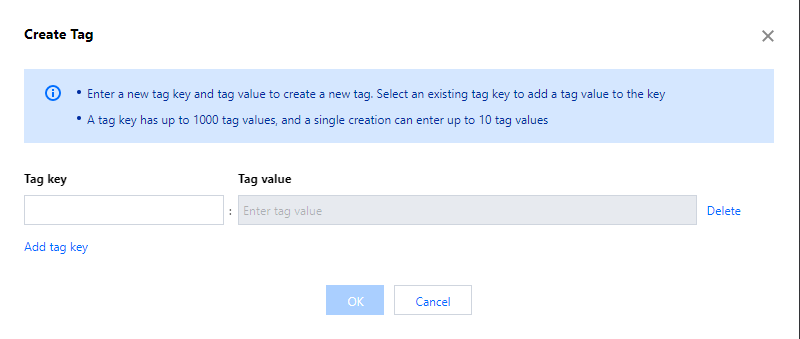
3. Click Create Tag and, in the dialog box that pops up, click Add tag key to create a tag or select an existing tag and add tag values to it. You can create multiple tags at a time.
Tag key (required): Type a tag key to create a tag or select an existing tag key and add key values to it.
Tag value (required): Type tag values.
4. Click OK.
5. A log dashboard will pop up showing whether the operation is successful. Click OK to return to the tag list page, where you can view the tag created.
Binding resources
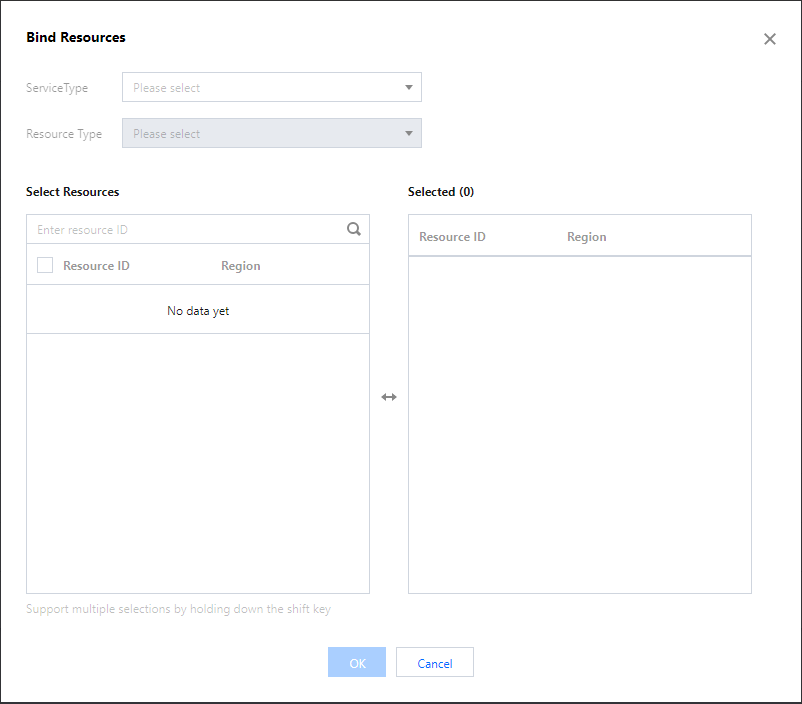
1. Find the tag you created in the tag list and click Bind Resources.
2. On the Bind Resources page, select a Tencent Cloud service and resource type and choose the resources you want to bind.