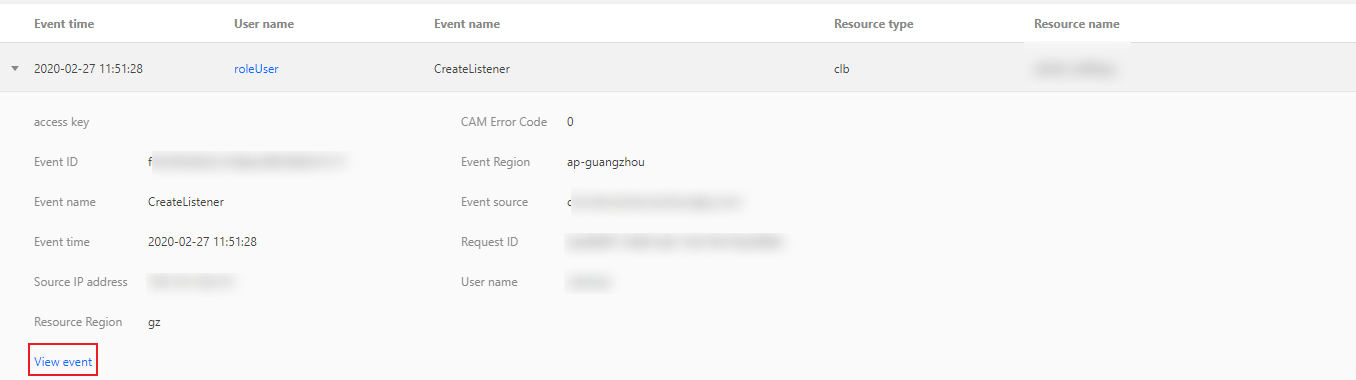
You can query and download the operation history of CLB in the CloudAudit console.
CloudAudit enables you to perform supervision, compliance check, operational review, and risk review for your Tencent Cloud account. It provides event history of your Tencent Cloud account activities, including operations performed through Tencent Cloud Console, APIs, command line tools, and other Tencent Cloud services, which simplifies security analysis, resource change tracking, and troubleshooting.
2. Click Operation Record on the left sidebar to enter the Operation Record page. You can also log in to the CLB Console and click CloudAudit in the top-right corner.
3. On the operation history page, query the operations by username, resource type, resource name, event source, event ID, etc. By default, only partial data will be displayed, and you can click View More at the bottom of the page to get more results.
4. Click
on the left of an operation to view its details such as access key, error code, and event ID. To view the details of an event, click View Event.