Risk Terminal
Unduh
Mode fokus
Ukuran font
The risk terminal provides a centralized view of security compliance risks across all terminal devices. Through preset security baseline policies, the system performs continuous or scheduled scans on terminals, automatically classifies discovered non-compliant items into "high, medium, and low" risk levels, and presents them centrally in visual dashboards and detailed lists. This provides administrators with a risk handling entry point that offers a "global view at a glance and one-click drill-down to details," serving as a key tool for transforming terminal security from reactive response to proactive governance.
1. Log in to the Tencent iOA Zero Trust Security Management System console and choose Terminal Control > Compliance Detection. in the left sidebar.
2. On the compliance detection page, select Risk Terminals.
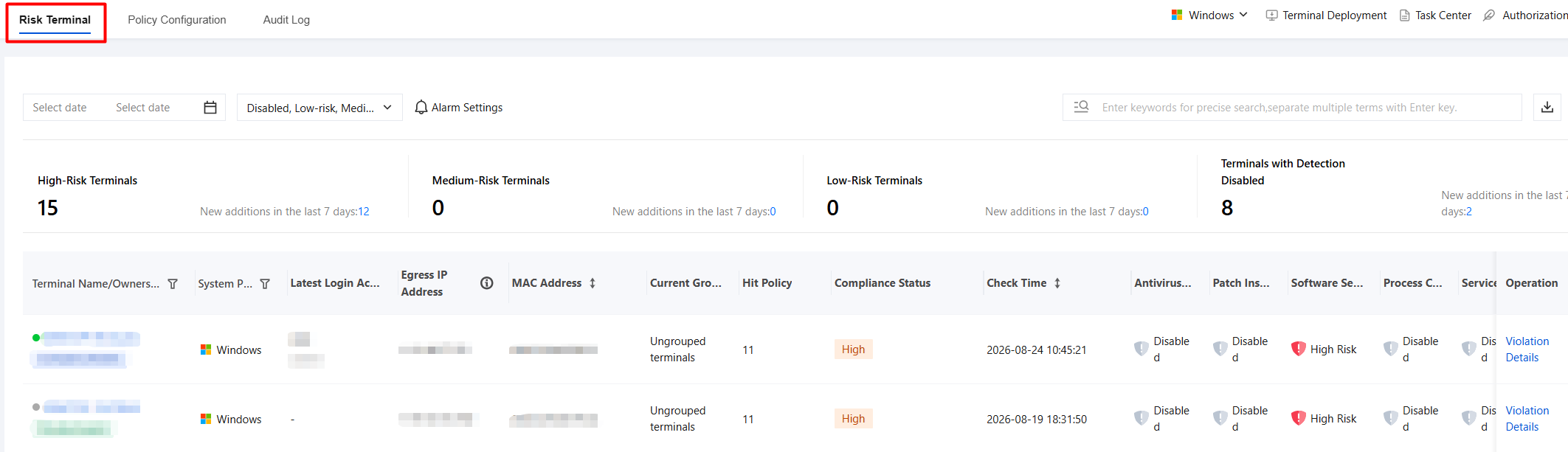
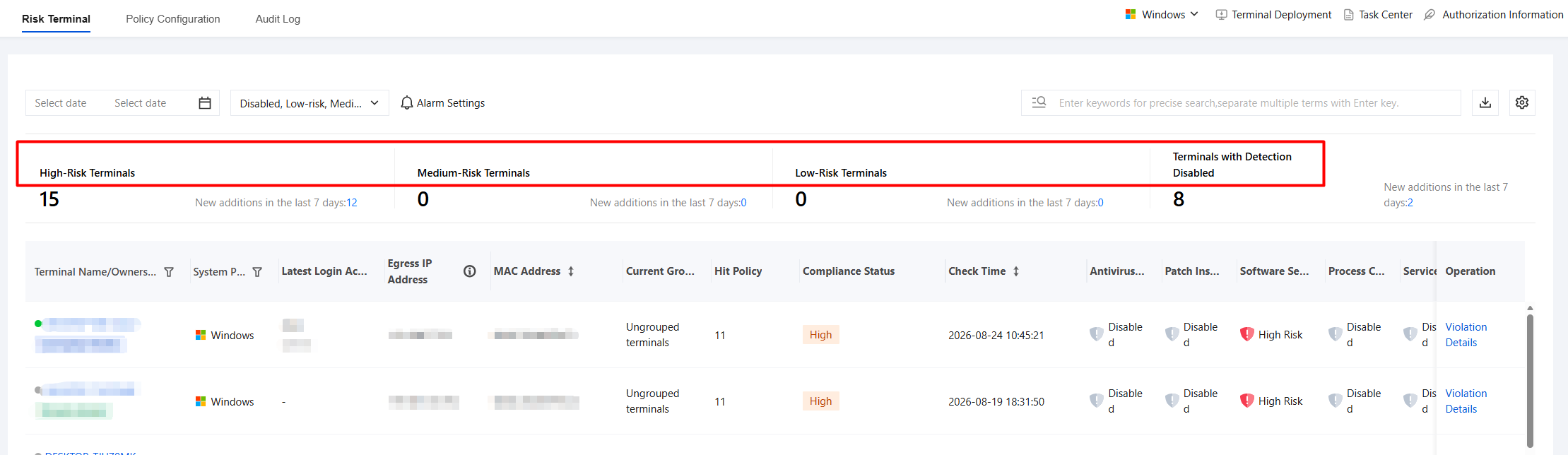
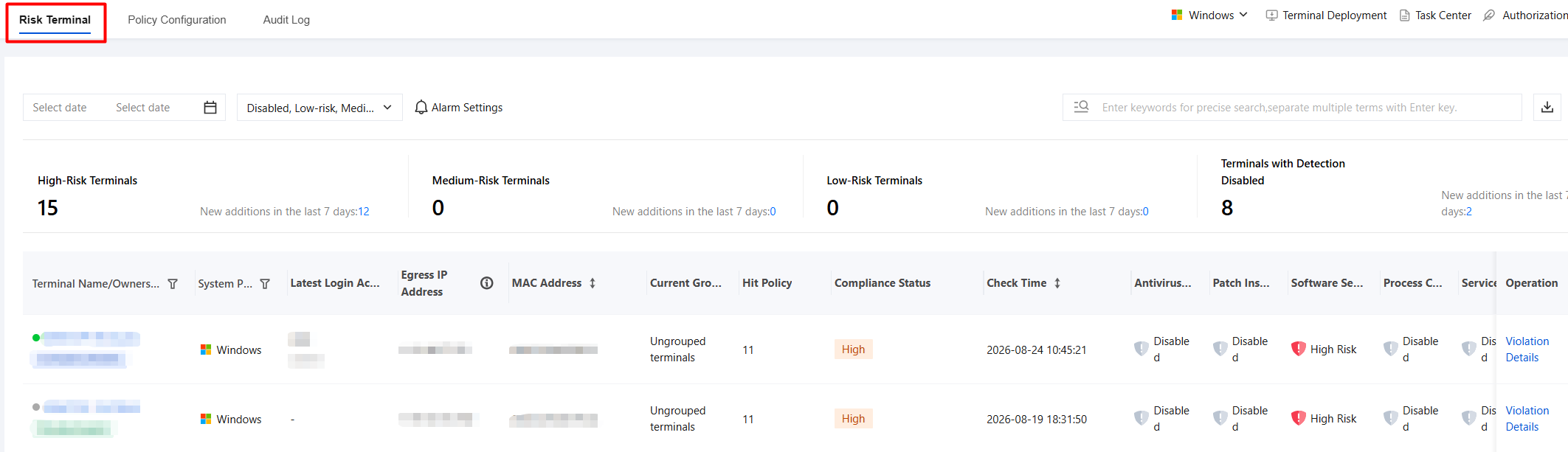
3. Risk Level Statistics: categorizes and counts terminal security status by risk level, visually presents the distribution and new trends of devices at different risk levels, and facilitates rapid identification and prioritized handling of high-risk devices.
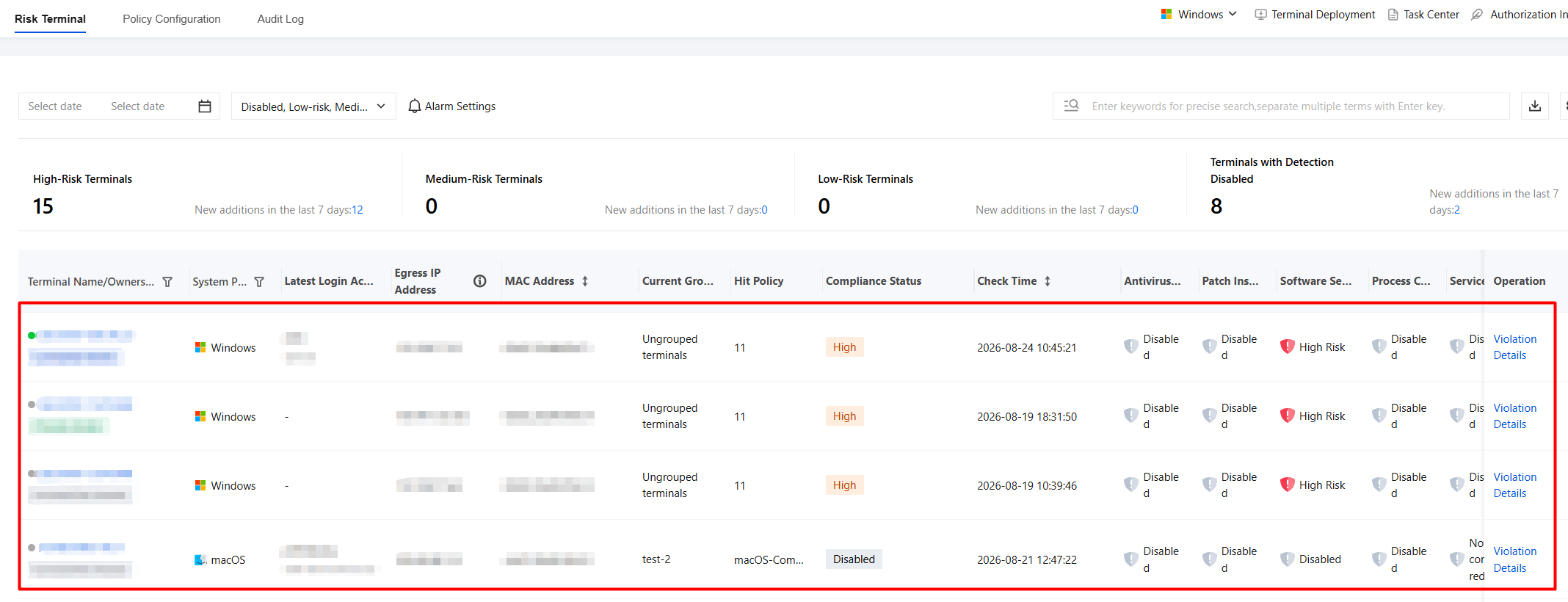
4. Compliance Status Overview: displays the compliance status of terminals against various security requirements, helping administrators quickly identify and handle non-compliant terminals.
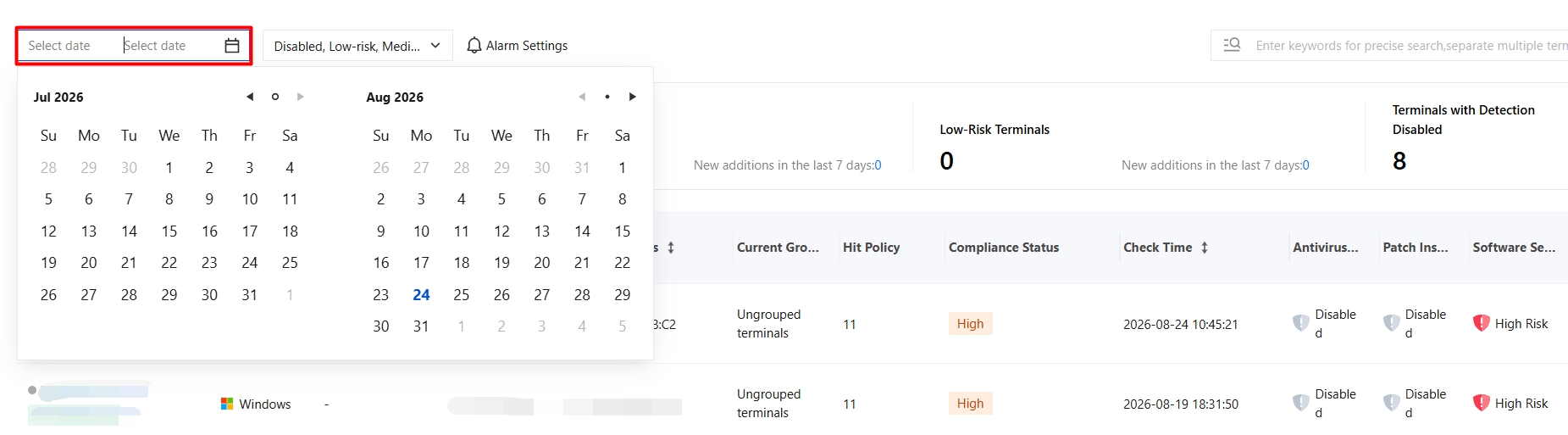
5. You can select the date range you want to view in the time filter box.
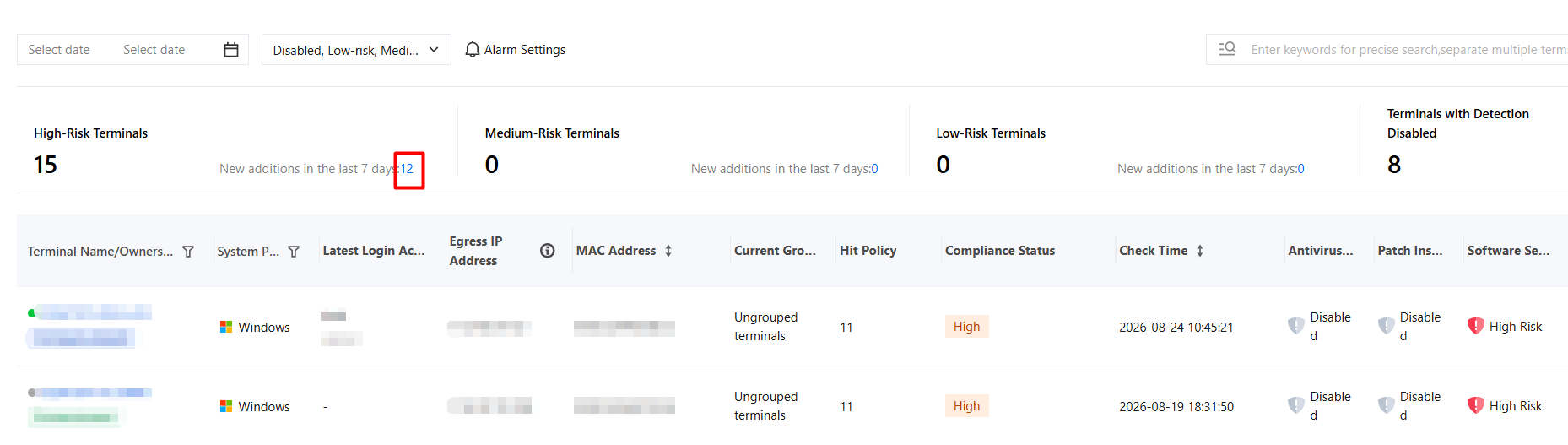
6. Click the blue number for new additions in the last 7 days in the list to display the number of terminals added in the past 7 days.
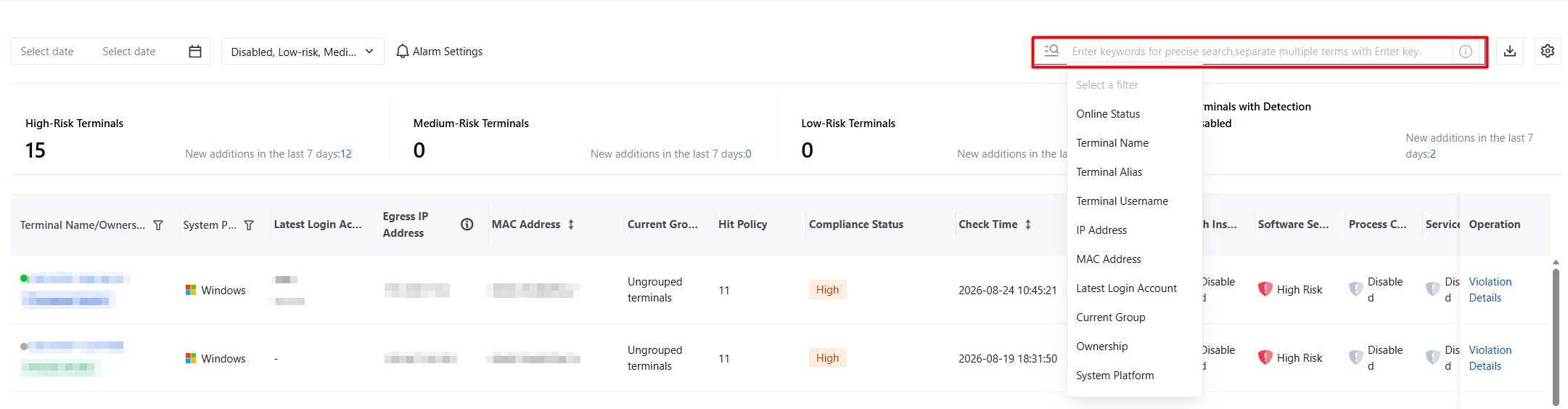
7. You can enter a terminal name, MAC address, or other information in the search box to directly locate a specific device.
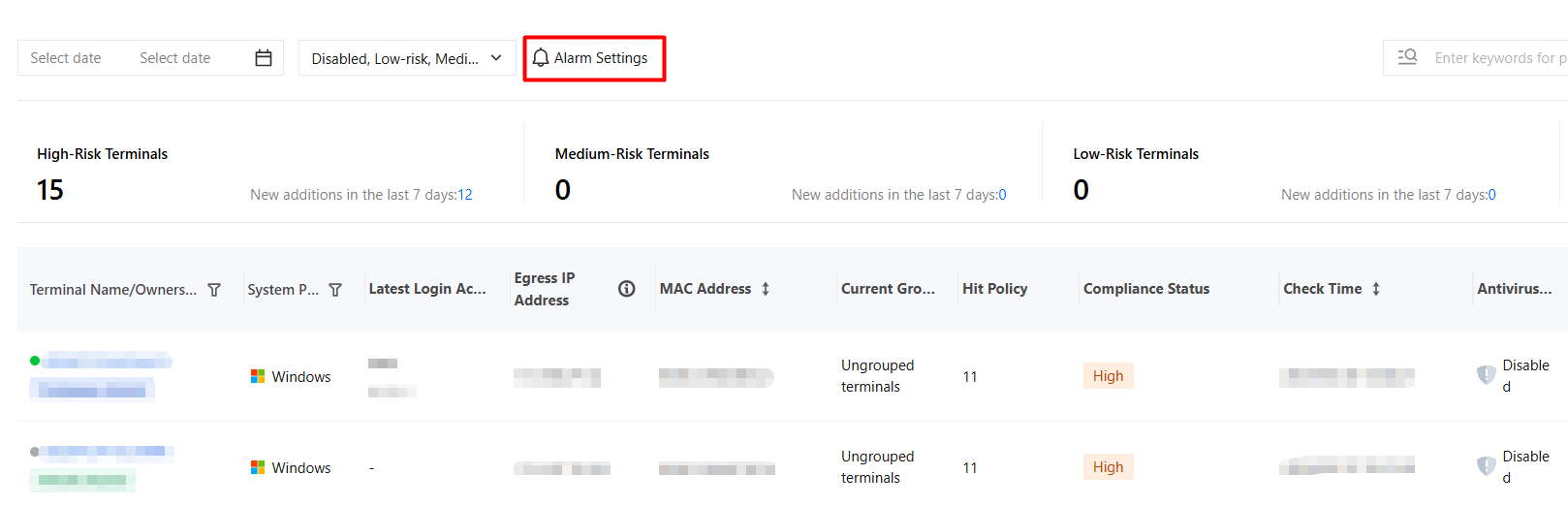
8. Click Alert Settings to configure risk alert notification rules.
9. When there are risk terminals that have triggered the threshold, you can view details in Risk Terminals.
Bantuan dan Dukungan
Apakah halaman ini membantu?
Anda juga dapat Menghubungi Penjualan atau Mengirimkan Tiket untuk meminta bantuan.
masukan