Internet Behavior Control and Audit Logs
Unduh
Mode fokus
Ukuran font
1. Log in to the Tencent iOA Zero Trust Security Management System console, choose Terminal Management > Internet Access Behavior Management > Audit Log. in the left sidebar.
2. Interception alarm logs reported by the internet access interception policies configured in Internet Behavior Control > Policy Settings are displayed here.
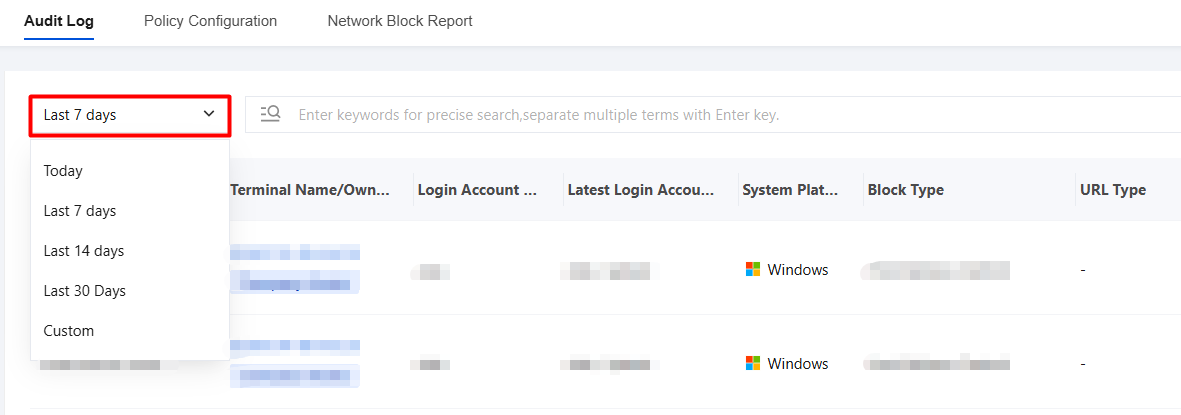
3. Time-based filtering is supported, and a standard time filter control is provided. You can use the "Last 7 days" drop-down list in the upper-left corner to quickly switch between "Today", "Last 7 days", "Last 14 days", "Last 30 days", and "Custom date" to view audit logs within different time ranges.
Bantuan dan Dukungan
Apakah halaman ini membantu?
Anda juga dapat Menghubungi Penjualan atau Mengirimkan Tiket untuk meminta bantuan.
masukan