Implementation Guide Management
Download
Focus Mode
Font Size
This document describes the management operations for the implementation guide in the Tencent Healthcare Data Services console. On the Browser page, you can upload, view, and delete implementation guides.
Prerequisites
Creating an Instance has been finished.
Uploading Implementation Guides
1. Go to the Tencent Healthcare Data Services > Browser page, and then select and click the name of the data storage instance.
2. Go to the data storage details page, select Implementation Guide, click Add, and then upload the implementation guide.

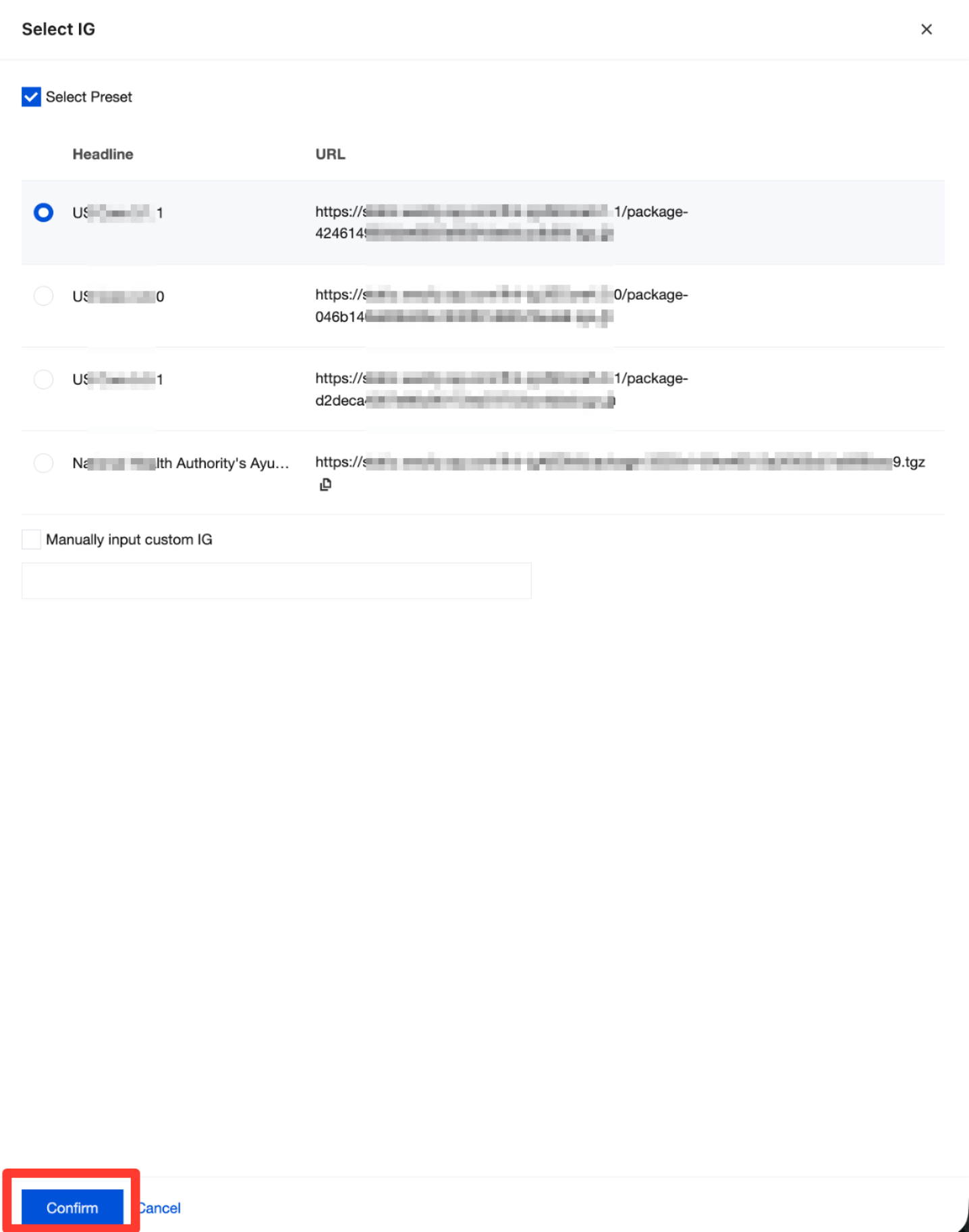
3. You can select an implementation guide from the default list or manually enter a custom implementation guide URL. Click Confirm to complete the upload.
Viewing Implementation Guides
1. Go to the Tencent Healthcare Data Services > Browser page, and then select and click the name of the data storage instance.

2. Go to the data storage details page and select Implementation Guide. You can then view the implementation guide files that have been added under this instance.

Deleting Implementation Guides
1. Go to the Tencent Healthcare Data Services > Browser page, and then select and click the name of the data storage instance.
2. Go to the data storage details page, select Implementation Guide, and then click Delete in the Operation column to delete the implementation guide.
Attention:
The delete operation for an implementation guide directly removes the specified guide. After you perform the delete operation, the guide is permanently deleted. This action is irreversible and may cause your business to malfunction. Proceed with caution.

Help and Support
Was this page helpful?
You can also Contact sales or Submit a Ticket for help.
Help us improve! Rate your documentation experience in 5 mins.
Feedback