This document describes how to modify the primary private IP of a CVM instance on the ENI console.
Note:
You can modify the primary private IP of the primary ENI, but not that of secondary ENIs.
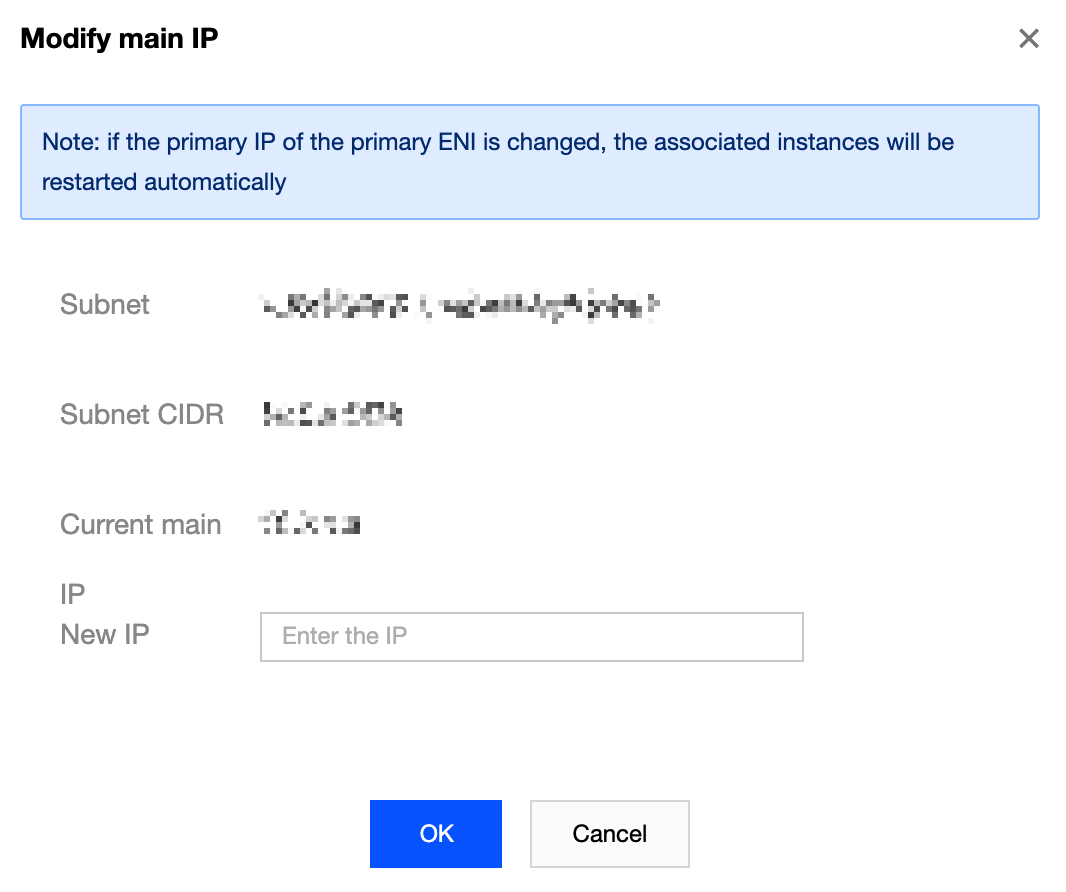
Note that modifying the primary IP of the primary ENI will automatically restart the associated instance and cause business interruption for about 30 seconds.
Prerequisites
The primary ENI ID of the CVM instance has been obtained on the CVM console. For more information, see Query Instance Info. Directions
2. Choose IP and ENI > ENI in the left sidebar to go to the ENI list page.
3. Locate the ENI you want to modify the primary IP, and click its ID/Name to enter the details page.
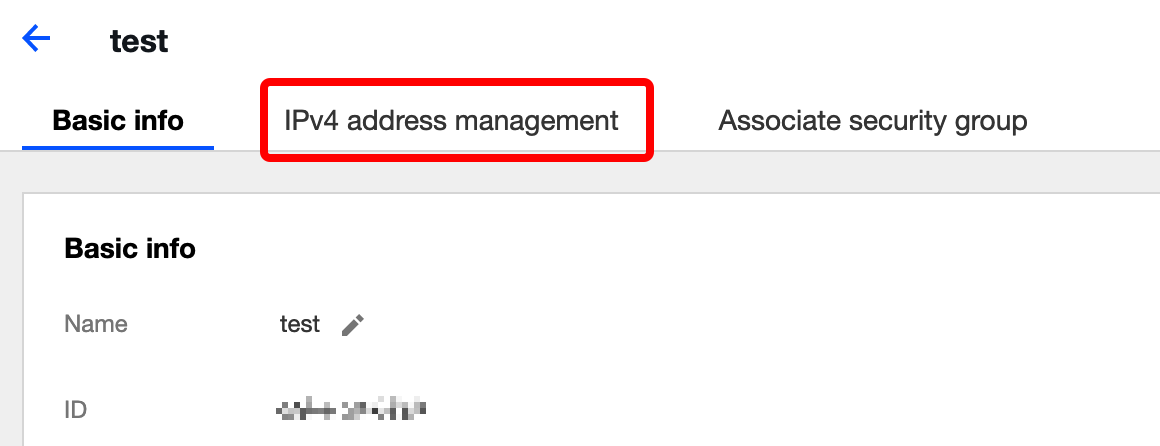
4. Click the IPv4 address management tab, and check the primary private IPs that have been bound.
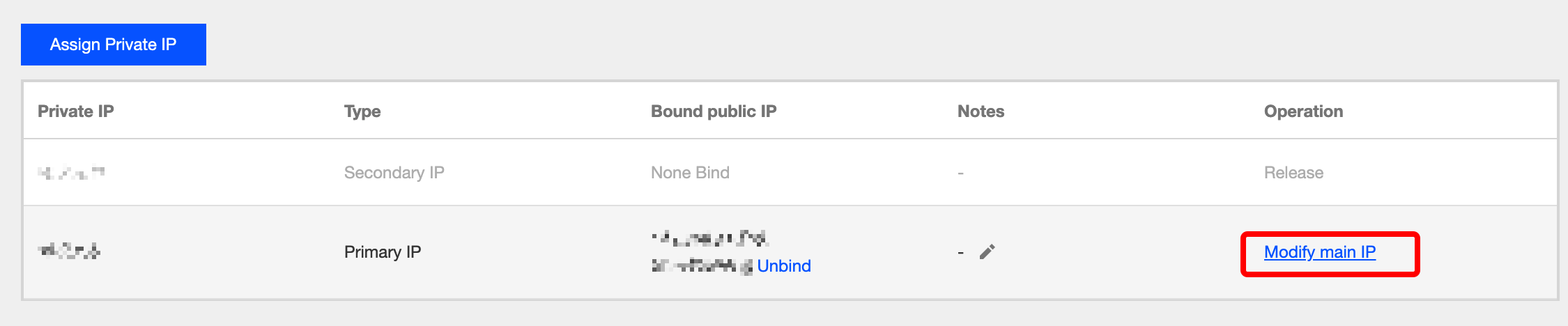
5. Locate the primary private IP you want to change, and click *Modify Primary IP under the Operation column.
6. Enter a new primary private IP in the pop-up window, and click OK.