I need to modify the UI myself. Every time I update the pod, the source code will be refreshed, causing the modifications to be lost. How should I handle this?
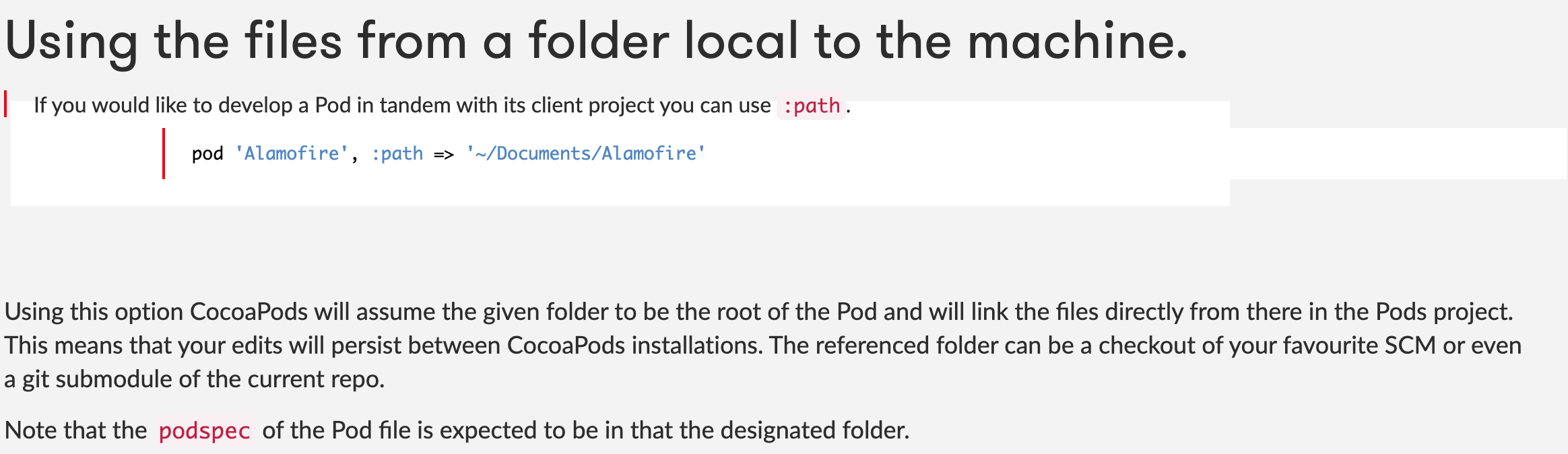
It is suggested to Fork the TUIRoomKit repository to your personal GitHub account, and then use the local pod or git pod path to reference the corresponding code in your project.
Is there a conflict between TUIRoomKit and the integrated audio and video library?
Tencent Cloud's audio and video libraries cannot be integrated at the same time, and there may be symbol conflicts. You can handle it according to the following scenarios.
1. If you are using the TXLiteAVSDK_TRTC library, there will be no symbol conflicts. You can directly add dependencies in the Podfile file.
pod 'TUIRoomKit'
2. If you are using the TXLiteAVSDK_Professional library, there will be symbol conflicts. You can add dependencies in the Podfile file.
pod 'TUIRoomKit/Professional'
3. If you are using the TXLiteAVSDK_Enterprise library, there will be symbol conflicts. It is recommended to upgrade to TXLiteAVSDK_Professional and then use TUIRoomKit/Professional.
How to view TRTC logs?
TRTC logs are compressed and encrypted by default, with the extension .xlog. Whether the log is encrypted can be controlled by setLogCompressEnabled. The file name containing C(compressed) is encrypted and compressed, and the file name containing R(raw) is plaintext.
iOS&Mac:Sandbox's Documents/log
Android:
Versions 6.7 and earlier:/sdcard/log/tencent/liteav
Versions after 6.8:/sdcard/Android/data/package name/files/log/tencent/liteav/
Versions after 8.5:/sdcard/Android/data/package name/files/log/liteav/
Windows:
Versions before 8.8:%appdata%/tencent/liteav/log
Versions 8.8 and later:%appdata%/liteav/log
Web:Open the browser Console, or use vConsole to record SDK print information.
Note:
To view the .xlog file, you need to download the decryption tool and run it directly in the Python 2.7 environment with the xlog file in the same directory using python decode_mars_log_file.py.
To view the .clog file (new log format after version 9.6), you need to download the decryption tool and run it directly in the Python 2.7 environment with the clog file in the same directory using python decompress_clog.py.