Deleting Rule Template
Download
Focus Mode
Font Size
This document describes how to delete a rule template via the console.
Note:
If a rule template has associated instances, it cannot be deleted. A rule template can only be deleted when it is not bound to any instances. After deletion, the rule template cannot be applied to instances.
Operation Steps
1. Log in to the TencentDB for MySQL console.
2. Select SQL Insight (Database Audit) in the left sidebar.
3. Select Region, and click Rule Template.
4. Locate the target rule template in the Rule Template list (you can also use the search box to filter by resource attributes for quick lookup), and click Delete in its Operation column.

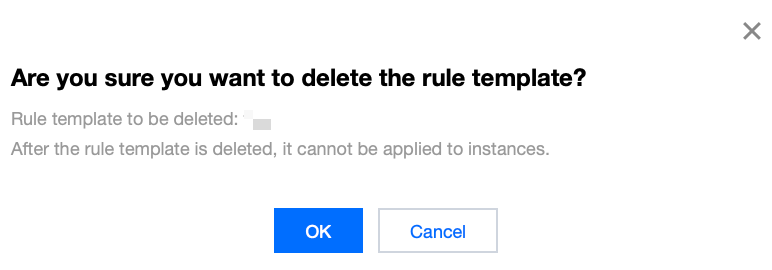
5. In the displayed dialog box, click OK.
Help and Support
Was this page helpful?
You can also Contact sales or Submit a Ticket for help.
Help us improve! Rate your documentation experience in 5 mins.
Feedback