Online Education
Download
Focus Mode
Font Size
Foreword
Tencent Cloud has successfully provided effective solutions for multiple top teams in the online education industry, covering academic qualifications improvement, professional skills training, TOEFL, CET-4 and CET-6, civil service exam training, securities and finance training, and online e-commerce courses.
The relationship between online education requirements and CSS solutions is shown in the table below.
Online Education Requirements | CSS Solution | CSS Solution Strengths | CSS Solution Cost |
Low latency and high interactivity | Live Event Broadcasting (LEB) | Ultra-low latency, weak network resistance, ultra-low stalling rate, and instance start of the first frame | 0.0846 USD/GB |
Course content recording | Live recording | Support for course content recording in different formats | 5.2941 USD/channel |
Course content reuse via live streaming | Relay | Support for streaming on-demand course videos to eliminate repeated teaching | 0.00032 USD/minute |
Real-time subtitle | Live subtitling | Subtitles in source and target languages, and support for hotwords and terms to enhance subtitle accuracy | |
Key knowledge points and homework | Dynamic overlay | Display of the teacher's information and homework in live streaming rooms for real-time control by the teacher | |
Unauthorized playback prevention | Hotlink protection based on DRM encryption, dynamic URLs, and other technologies | Multiple encryption methods to reduce the risks of teaching content disclosure | DRM encryption fee only: 0.0012 USD/request |
Product Solution Introduction
Recommended Solution 1: LEB
Applicable Teams
Teams that need to improve the interaction experience and teaching quality of students and teachers. LEB can achieve real-time interaction between teachers and students and create an active classroom atmosphere to boost learning outcomes.
Solution Effect
Customers require a classroom interaction experience with ultra-low latency in scenarios of both small and large classes. After the LEB service is used, the latency is reduced to several milliseconds, and real-time interaction is achieved. Students can still watch the live streaming content smoothly in an unstable network environment (packet loss rate of 30%).
Usage
Register a domain name on CSS, change the playback protocol in the playback address to WebRTC, and upgrade the SDK. For details, see Getting Started.
Recommended Solution 2: Live Recording
Applicable Teams
Teams require live recording of online courses and large class courses of famous teachers to facilitate review of students.
Solution Effect
The course content of famous teachers is recorded and edited. Students across the country can watch the recording to boost learning outcomes.
Usage
To record only the live streaming content of teachers, manually configure the recording scheme in advance in the console or create a recording task by calling the API. For details, see Live Recording.
Recommended Solution 3: Relay
Applicable Teams
Teams that wish to avoid repeated teaching and to repeatedly play videos of important courses.
Solution Effect
Teaching content can be recorded or prepared in advance. Live streaming starts automatically at the scheduled time to better present the course content, reduce the live streaming management costs, and save effort.
Usage
Recommended Solution 4: Live Subtitling
Applicable Teams
Teams of foreign language teaching and vocational training. Live subtitling helps students keep up with the course pace due to reasons such as accent, fast speech speed, dense knowledge points, and highly specialized content.
Solution Effect
After bilingual subtitles are set for live streaming of foreign language teaching, the content understanding accuracy of students is greatly improved, and learning problems decrease accordingly, which improves the course satisfaction. In addition, the on-cloud recording feature also records subtitles, helping students to review the content.

Usage
Add a subtitle template in the console, bind the subtitle template to a transcoding template, and pull the corresponding transcoding stream to show the subtitles.
Recommended Solution 5: Dynamic Overlay
Applicable Teams
Teams hope that the teaching content is more vivid and the information is displayed more intuitively. They expect that key knowledge points can be tagged or that homework is given to assist teaching.
Solution Effect
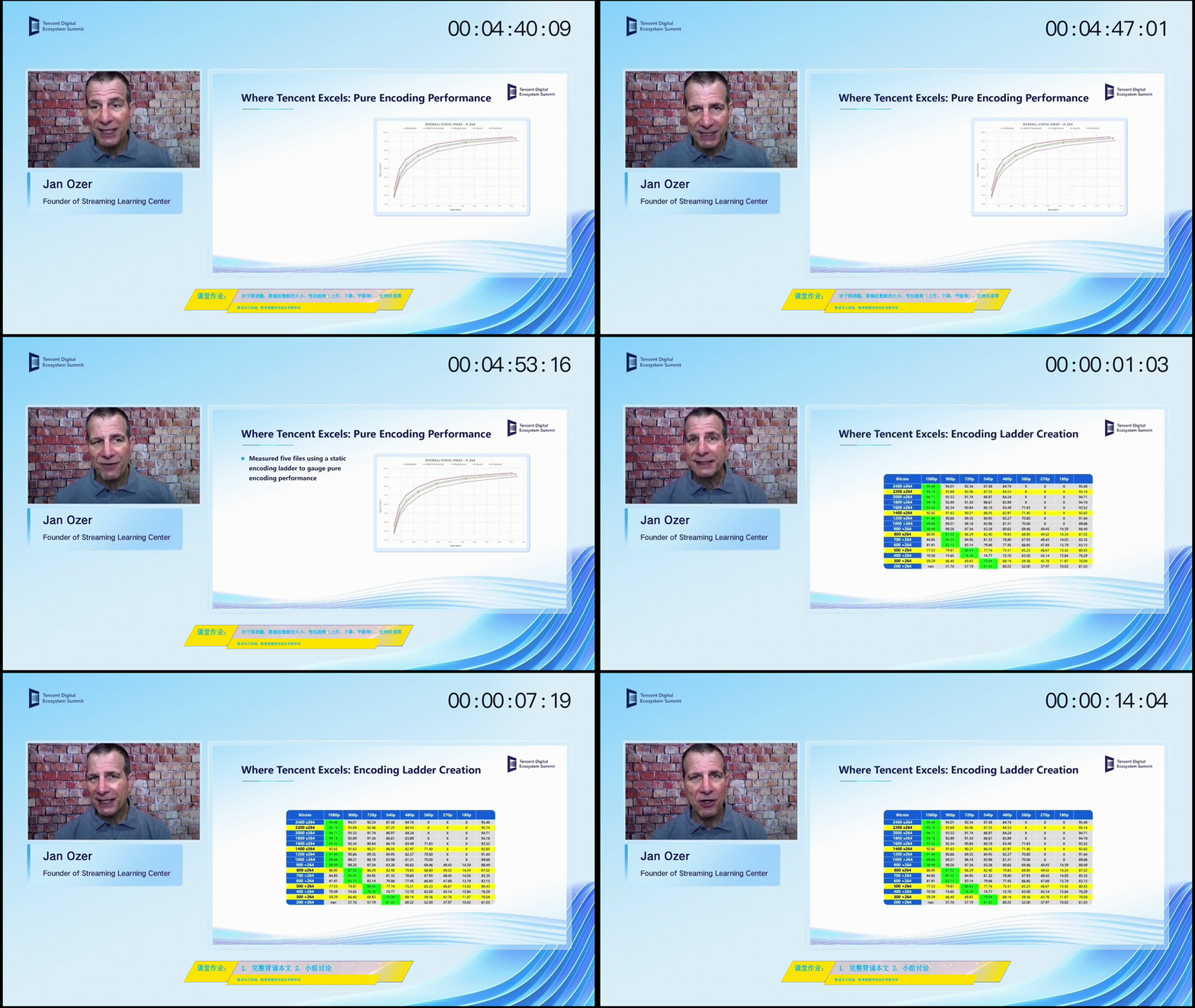
The dynamic overlay feature can tag knowledge points and give homework during live streaming to improve learning efficiency.
Usage
Add dynamic overlays and set the style and content in the console. Specify the resource path of dynamic overlays by using the
overlay_url parameter, or add the live stream and dynamic overlay input source in the caster. In this way, knowledge points and homework can be updated and displayed during teaching.Recommended Solution 6: Hotlink Protection
Applicable Teams
Teams that provide live streaming of courses by famous teachers for students. Such course content is generally paid content and emphasizes copyright protection and unauthorized playback prevention. However, the teams lack R&D capability to protect the intangible assets of their enterprises.
Solution Effect
Hotlink protection based on dynamic URLs or signatures can be used to prevent unauthorized content dissemination. In addition, technologies such as DRM encryption can be used to comprehensively protect live streaming security and meet customers' security needs for copyright protection.
Usage
Refer to Video Content Protection to select and configure a proper scheme according to the security requirements.
Help and Support
Was this page helpful?
You can also Contact sales or Submit a Ticket for help.
Help us improve! Rate your documentation experience in 5 mins.
Feedback