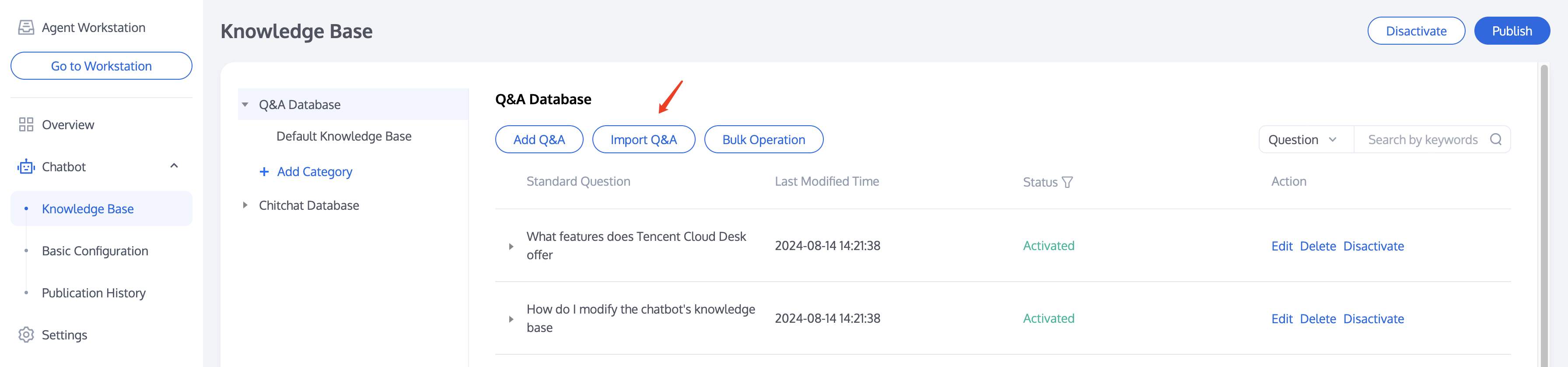
Access the Admin Panel, click on Chatbot > Knowledge Base to enter the settings page for the chatbot's knowledge base.
The knowledge base includes a Q&A database and a chitchat database. You can configure common questions and answers in the knowledge base, and the chatbot will respond to user queries based on these settings.
Q&A Database
Manually Adding Q&A
Click 'Add Q&A' below the Q&A database, and in the pop-up window that appears, select the category for the question, enter the standard question, similar questions (optional), and the answer.Click 'Done' to complete the addition.
The Q&A will be enabled by default in the test environment, and you can test its effectiveness online.
Bulk Import Q&A
Click 'Import Q&A' below the Q&A database, and in the pop-up window that appears, download the bulk upload template. Complete the Q&A pairs based on the template and upload them.
Modifying Q&A
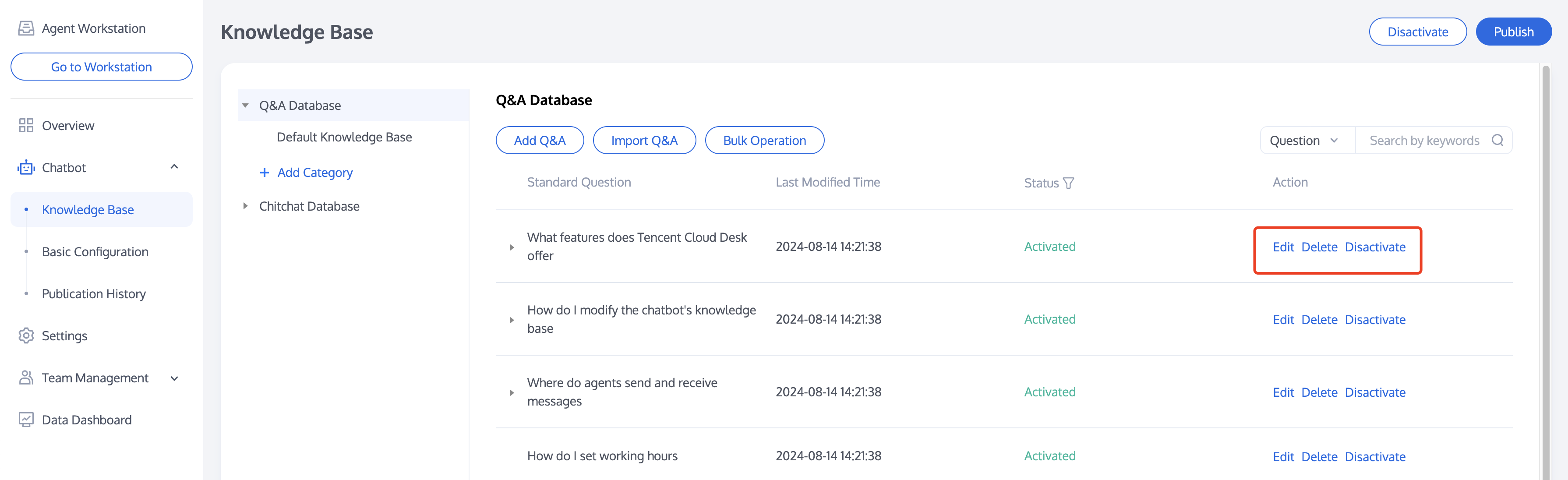
After uploading, you can edit, delete, disable, or enable each Q&A in the operations area to the right of the question. For bulk operations, you can also click 'Bulk Operation' below the Q&A database to manage multiple Q&As simultaneously.
Chitchat Database
You can use the chitchat database to enable your chatbot to respond to casual greetings from users. The response strategy for the chitchat database differs from that of the Q&A database, with details available in Basic Configuration > Q&A Strategy. You can configure the chitchat Q&A in the chitchat database. Please enable the chitchat feature first by going to Basic Configuration > Q&A Strategy > Chitchat Strategy.
Default Chitchat Database
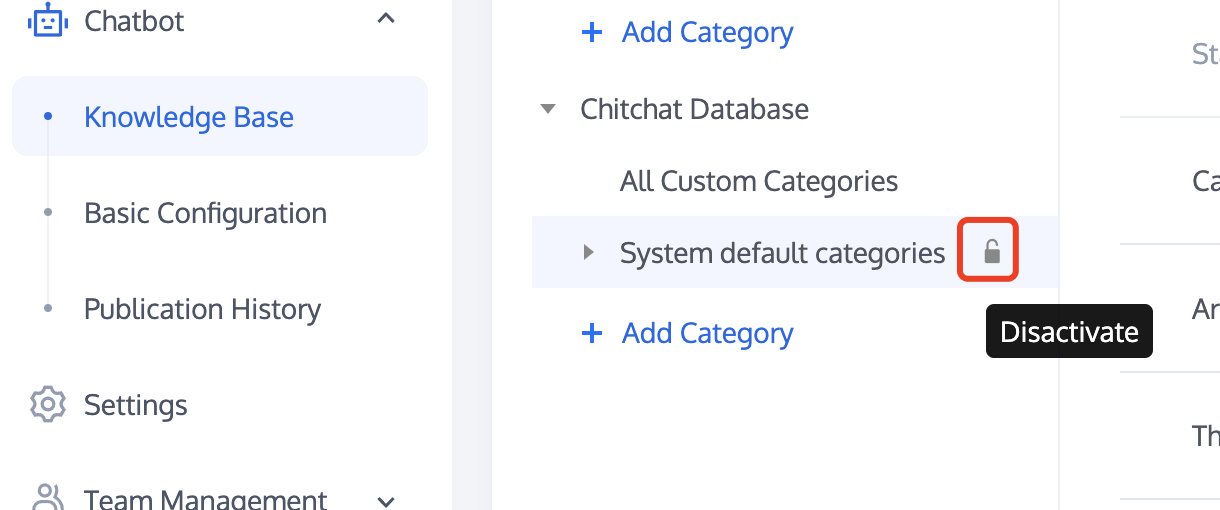
A default chitchat database is provided for you. You can enable or disable the default categories with a single click using the buttons next to the system's pre-set categories. For individual questions, you can also click 'Edit' next to the question to modify the answer or click 'Disactivate' to stop the answer.
Custom Categories
You can also configure your own chitchat database, similar to the operations available for the Q&A database.