VLC media player is an open-source cross-platform multimedia player and framework that can play back most multimedia files as well as DVDs, audio CDs, VCDs, and various streaming protocols free of charge. It supports operating systems such as OS X, Windows, Linux, iOS, Android, and Chrome OS and all common file formats for live streaming like RTMP, FLV, and M3U8. You can go to the VLC official website to download the latest version.
Playing back Video in VLC
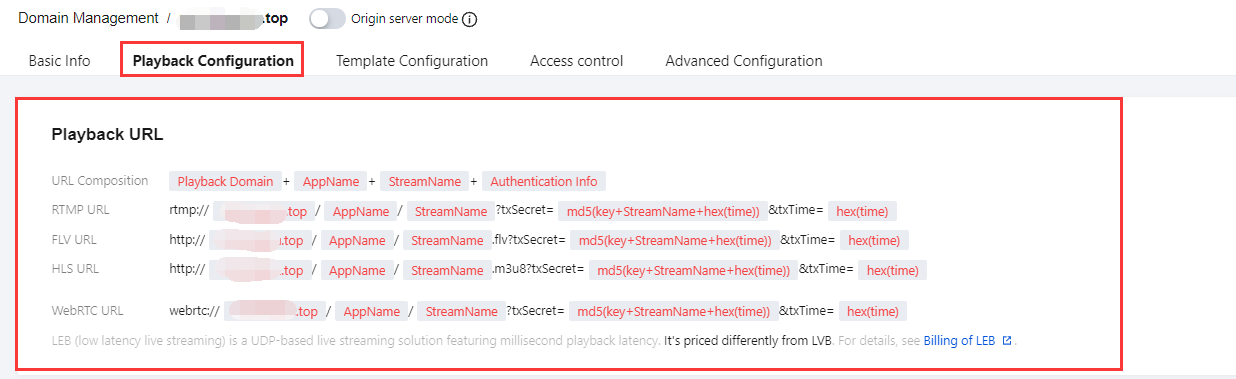
1. To get a video stream playback address, select your filed playback domain name as needed in Domain Management and splice the playback address in the format specified in the playback configuration.
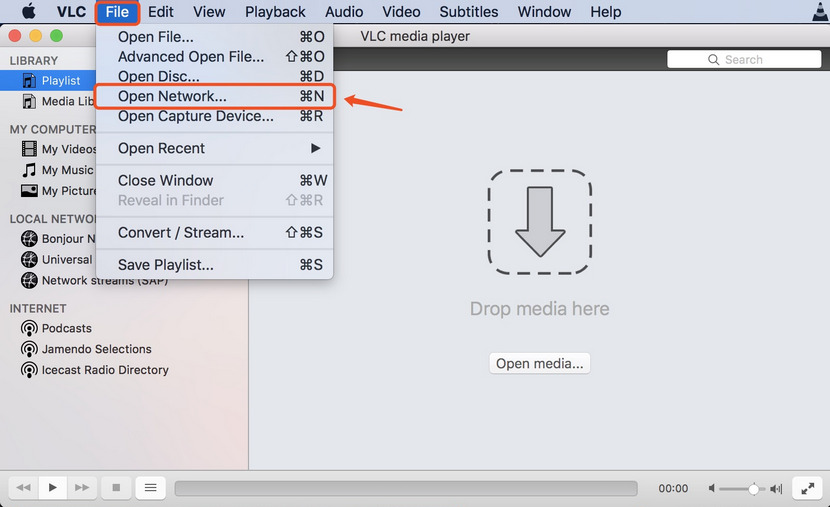
2. Launch VLC and select File > Open Network.
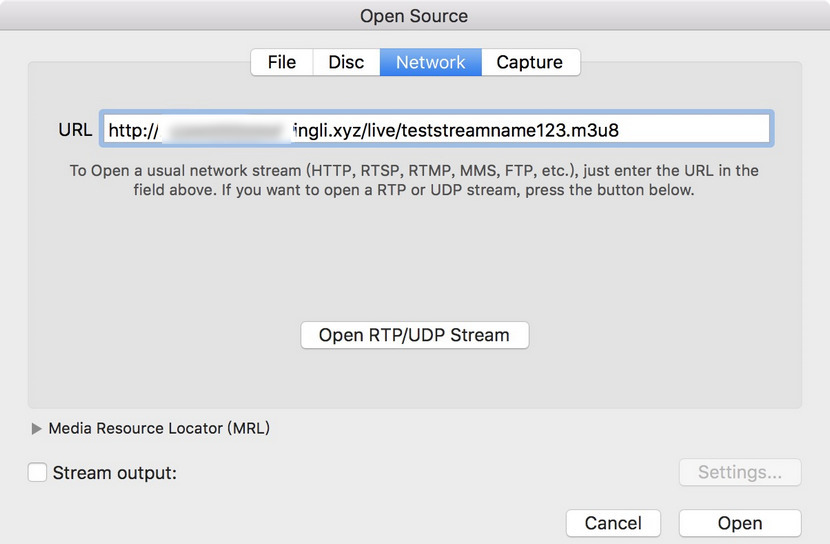
3. Enter the live stream playback address in the pop-up dialog box.
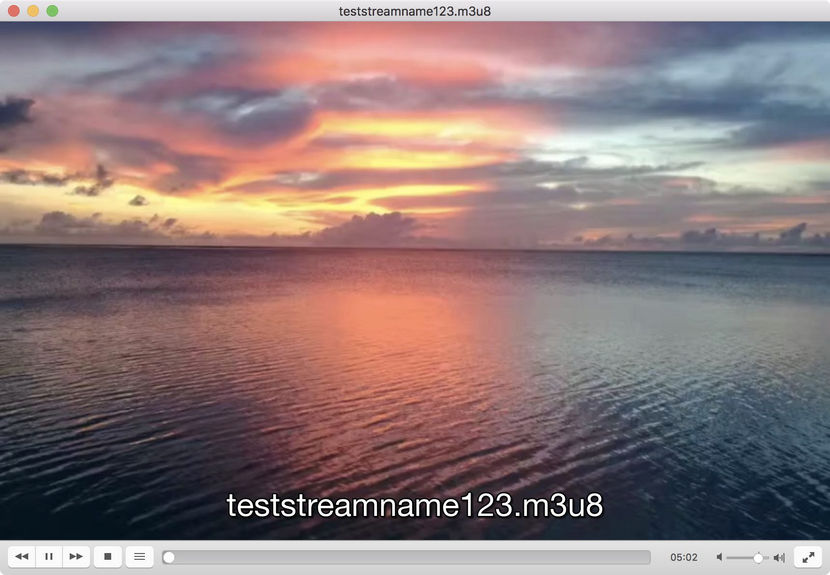
4. Then, click Open to confirm playback. If the pull from the playback address is normal, a playback window will pop up.